3D Motion Graphic Design

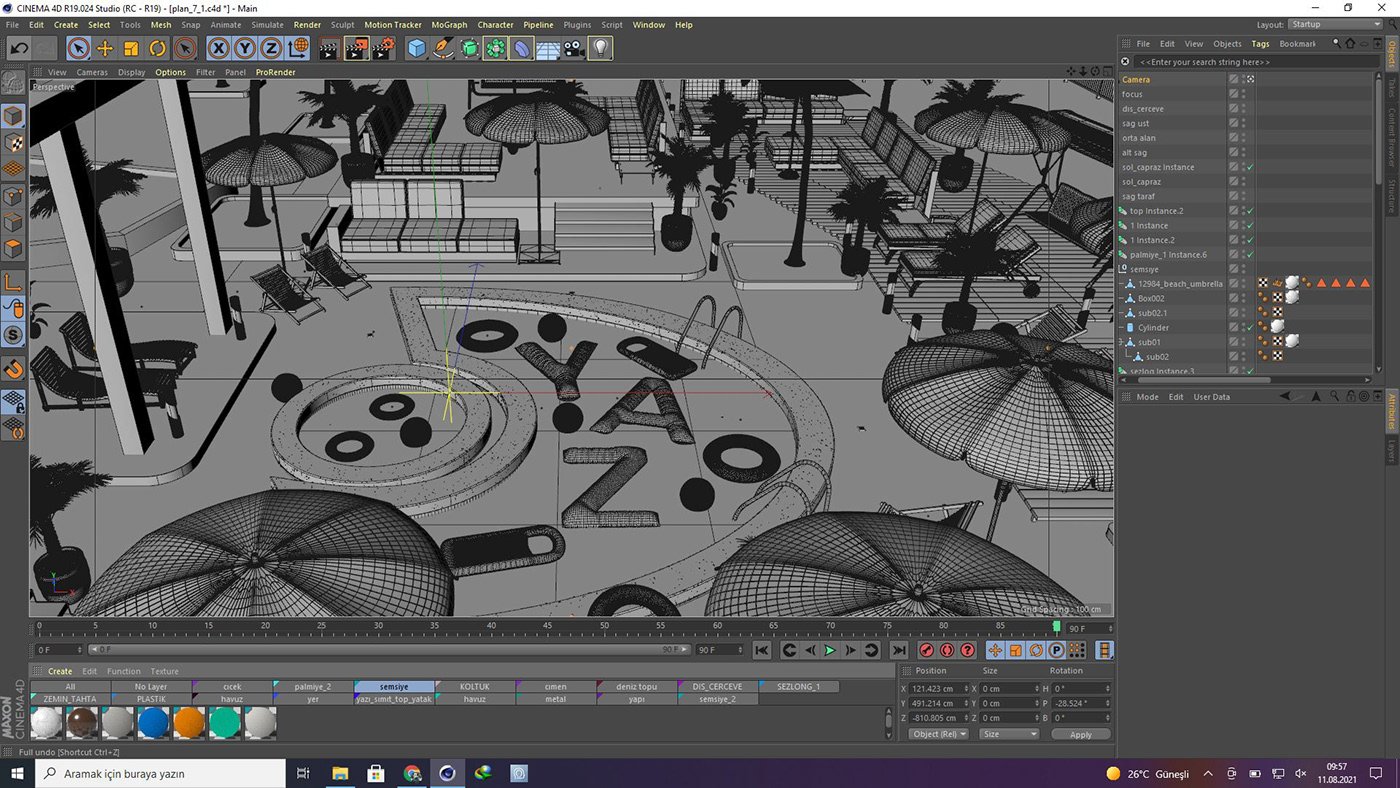
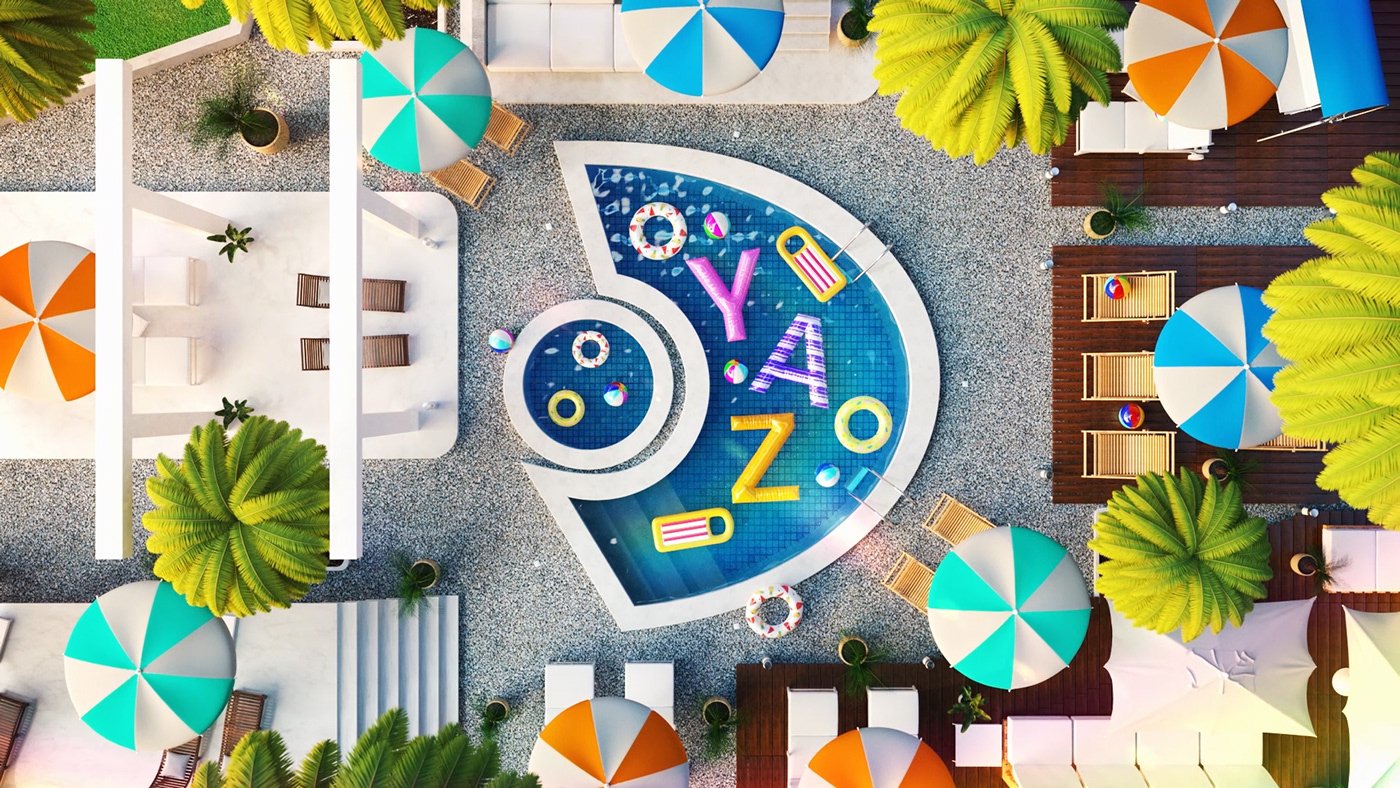
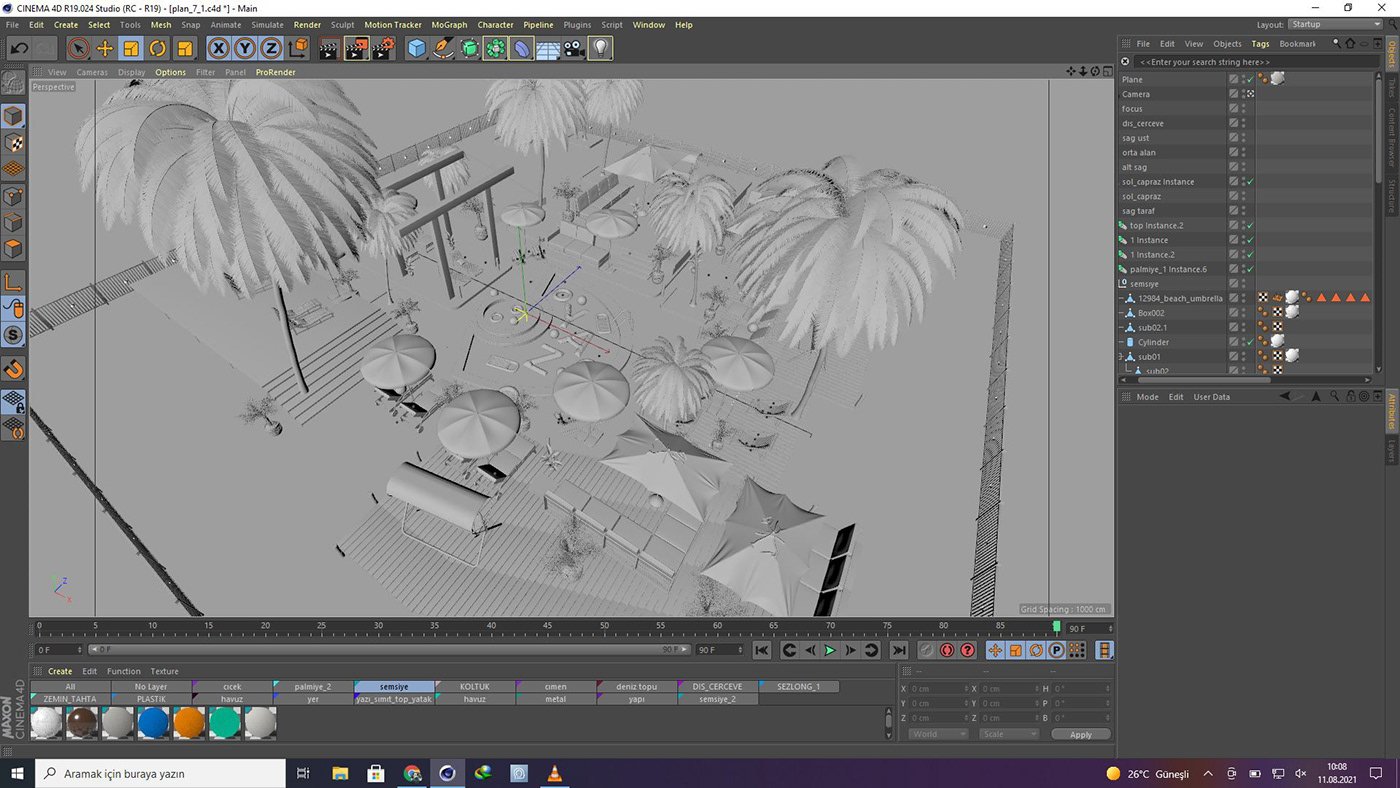
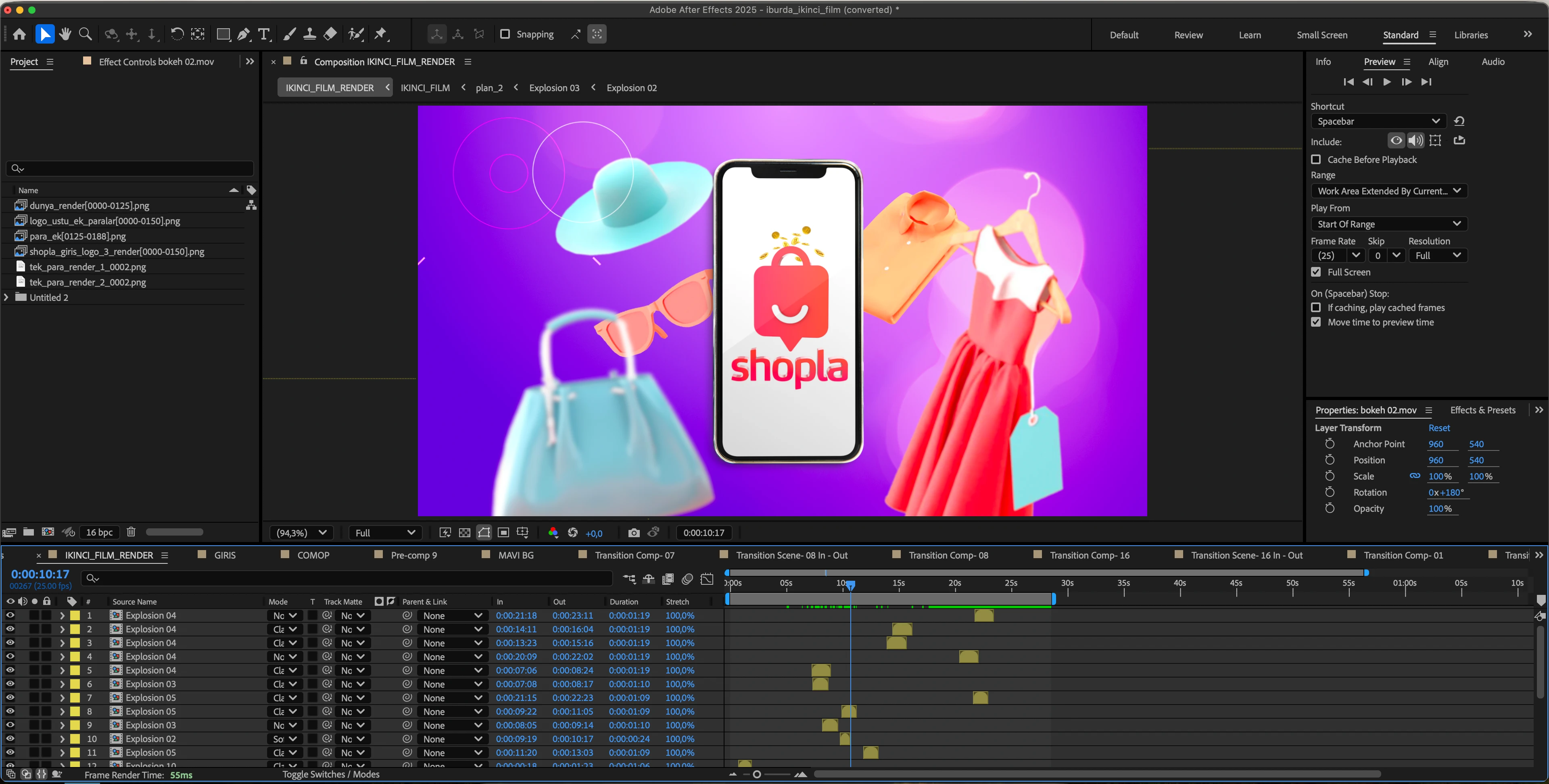
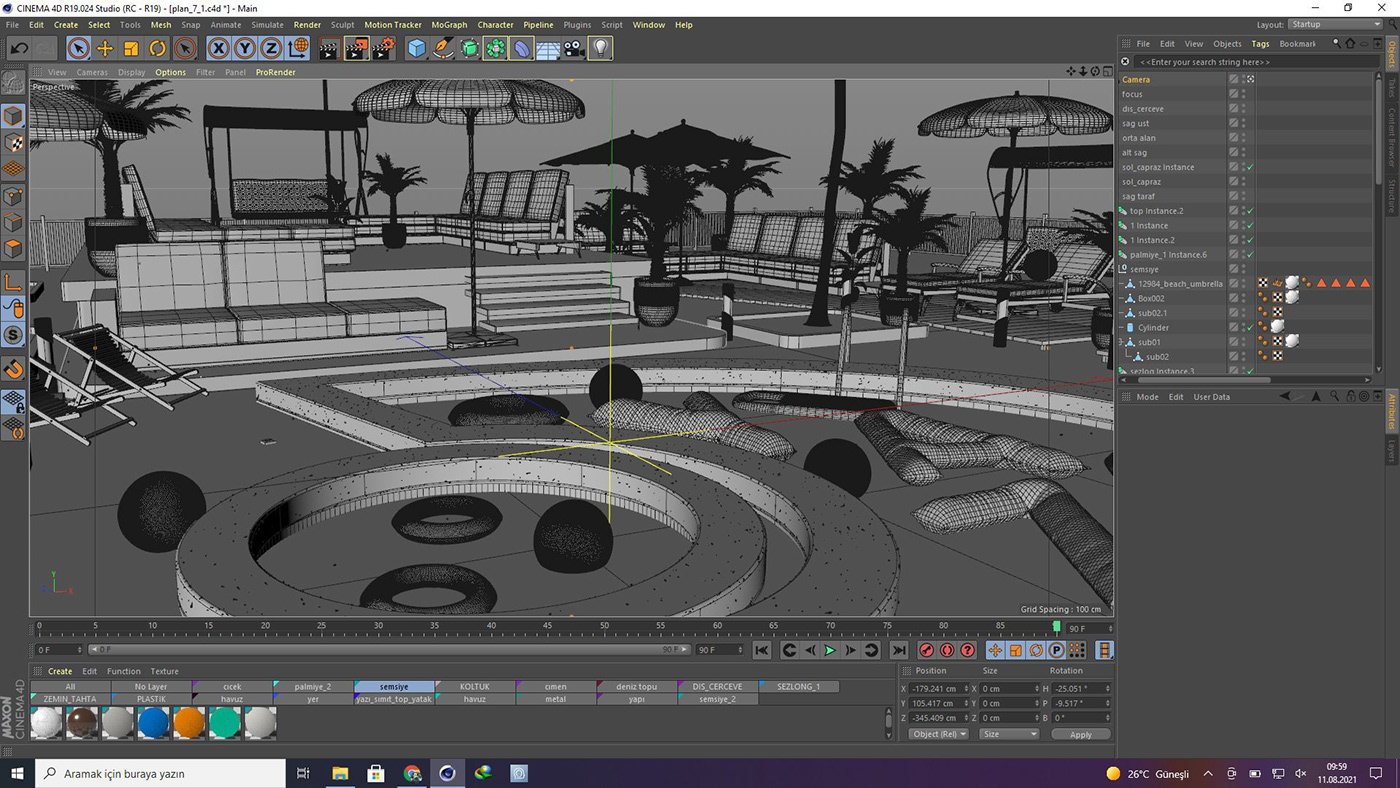
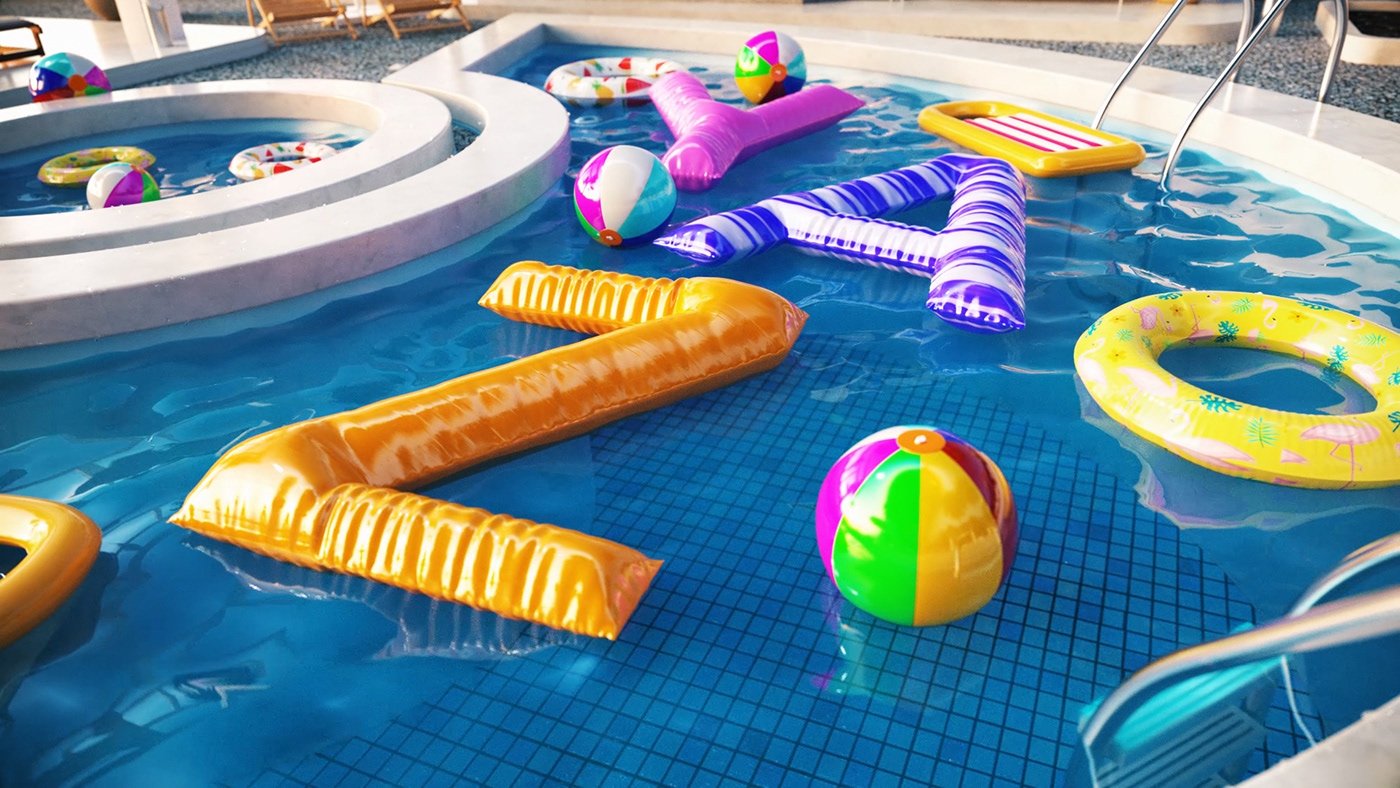
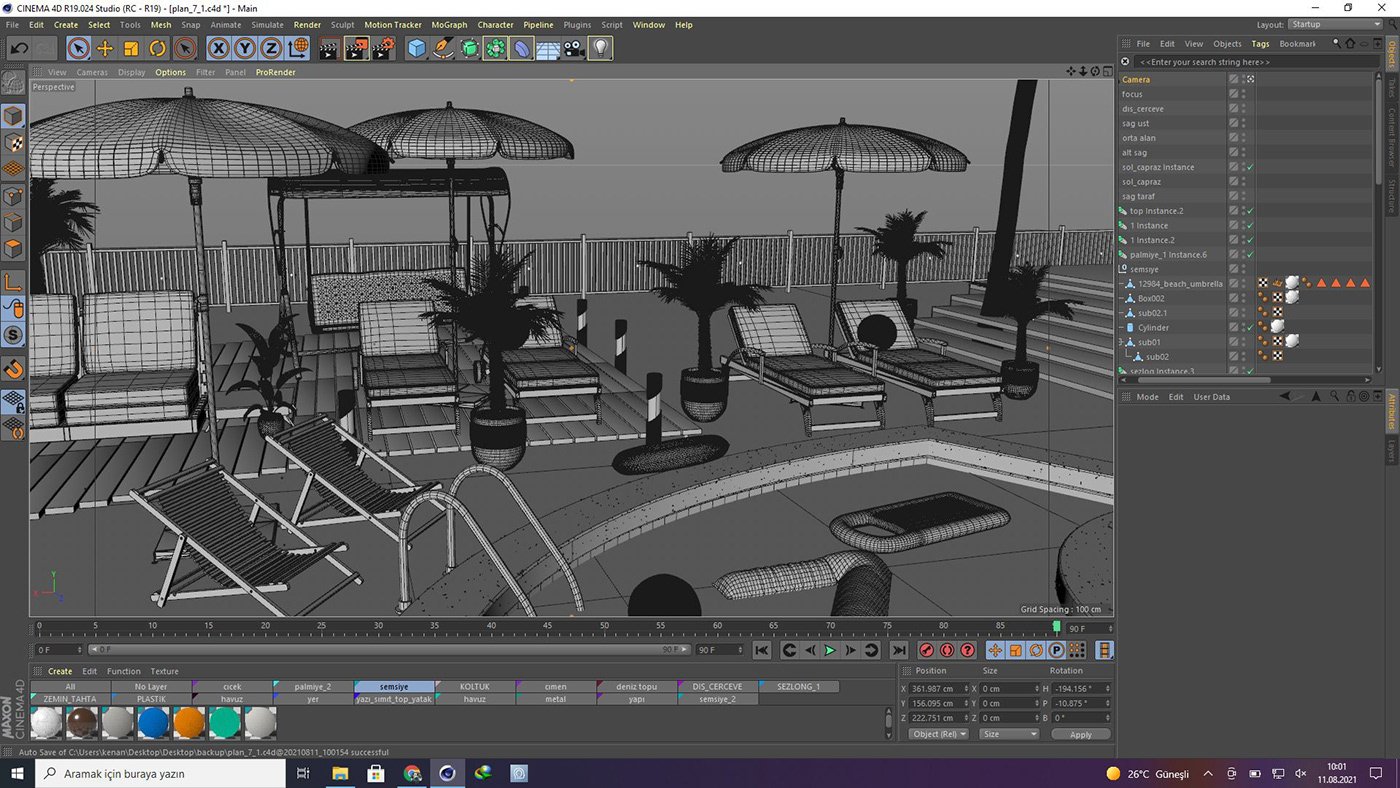
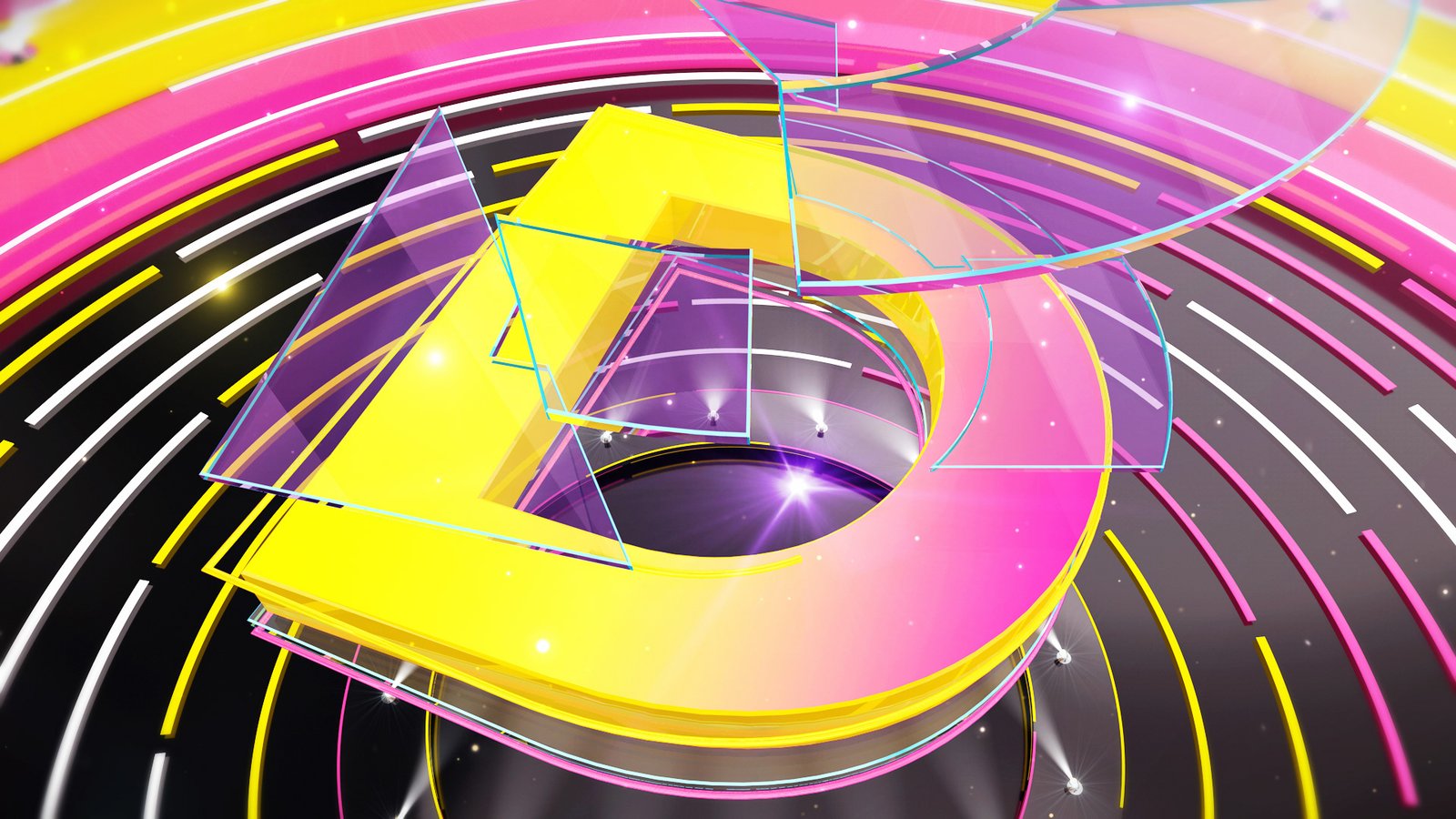
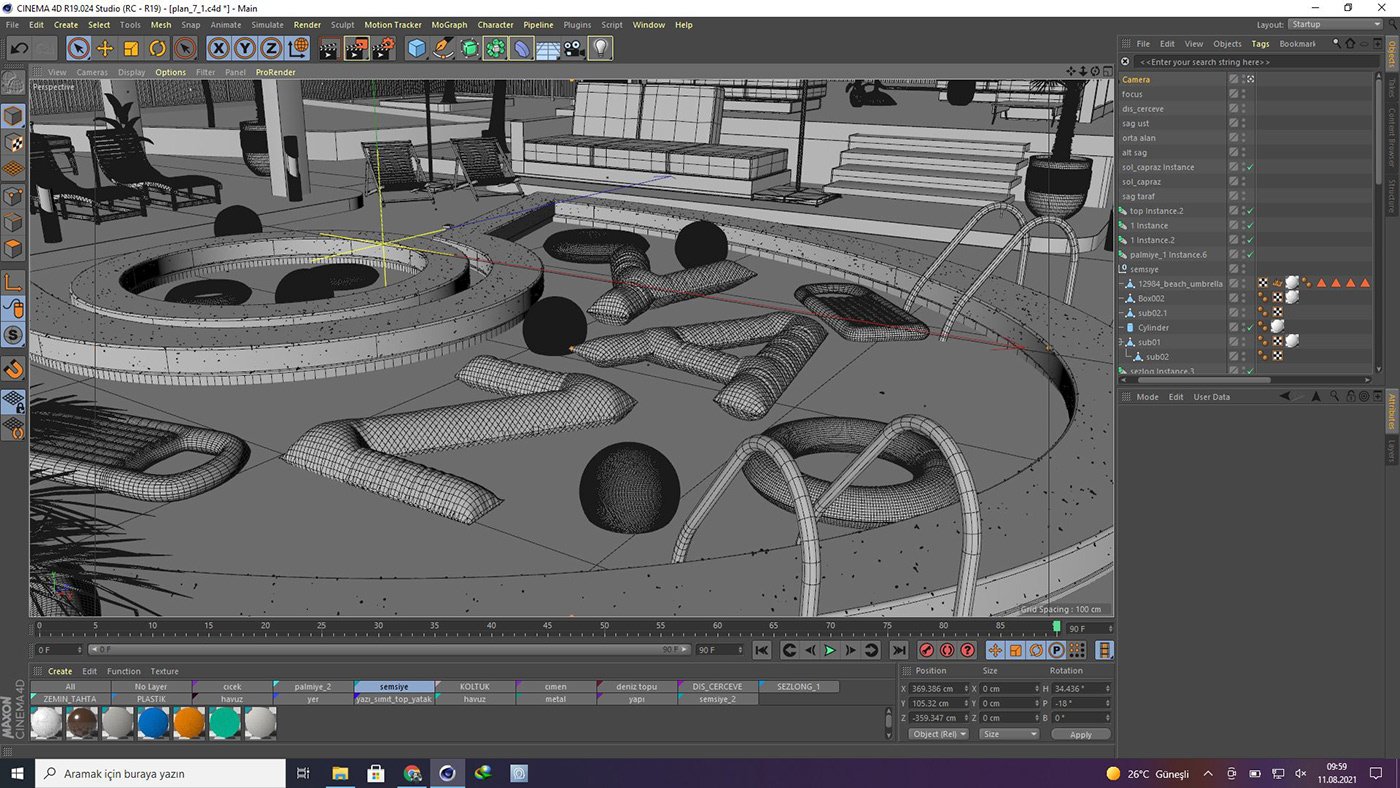
The transition from 2D motion graphics to 3D production is a major leap in a motion designer's career: the scene now has depth, light, and material; rendering is no longer a process, but a design decision. This 15-week program establishes a complete 3D production pipeline, starting from Cinema 4D with MoGraph, progressing to procedural animation with Octane/Redshift, photorealistic rendering with Octane/Redshift, and finishing with compositing in After Effects.

The program progresses in two parts: the first half covers Cinema 4D's modeling, MoGraph, and camera tools; the second half focuses on the material-lighting-rendering triangle of render engines and how 3D renders are composited in After Effects. The final weeks are entirely dedicated to production: a 3D logo/ident scene, loop animations for social media, and a final project. The training is online and lasts 50 hours; After Effects knowledge is a prerequisite, while Cinema 4D is taught from scratch.

Course Information
Duration: 50 hours / 15 weeks (approximately 4 hours of live sessions per week)
Format: Online (live sessions)
Level: Intermediate — Requires After Effects knowledge; Cinema 4D is explained from scratch.
Software: Maxon Cinema 4D, Octane Render / Redshift, Adobe After Effects
Precondition: Basic After Effects knowledge (Motion Graphic Design Training package or equivalent)
Who should attend?
  • Motion designers who know After Effects and want to switch to 3D.
  • Those who want to gain 3D production skills in the television and advertising industry.
  • Designers and content creators who want to produce 3D content for social media.
  • Graphic designers who want to add 3D work to their portfolio.
  • 3D enthusiasts who want to learn how to work with render engines (Octane/Redshift)

What will you gain by the end of the course?
  • Mastering modeling, MoGraph, and camera tools in Cinema 4D.
  • Material development, lighting, and rendering skills with Octane/Redshift.
  • Compositing multi-pass render outputs in After Effects
  • 3D logo/ident scene and social media loop animation production experience.
  • A starting point for a 3D portfolio consisting of a graduation project and coursework.
15-Week Program
Week 1 — Introduction to the 3D World and Cinema 4D Fundamentals
  • 3D production pipeline: The relationship between Cinema 4D – render engine – After Effects.
  • Interface, object hierarchy, and scene organization.
  • Spline, primitive, and generator logic.

Week 2 — Modeling for Motion Design I
  • Spline-based modeling techniques
  • Fundamentals of hard-surface modeling
  • Subdivision surface logic and topology

Week 3 — Modeling II: Three-Dimensional Design of Logos and Typography
  • Generating 3D logos from Illustrator files
  • Typography with extrude, sweep and loft
  • Control over the form with deformers.

Week 4 — MoGraph I: Procedural Animation
  • Cloner, Matrix, and Fracture objects
  • Effectors and the field system.
  • Sound effector (motion driving)
Week 5 — MoGraph II: Dynamics and Simulation
  • Rigid body and soft body dynamics
  • Fracture effects with Voronoi fracture
  • Simulation cache management

Week 6 — Camera and Staging
  • Lens selection, depth of field, and camera movement.
  • Camera rigs and multi-angle management.
  • Scene composition and framing

Week 7 — Introduction to Rendering Engines: Octane/Redshift
  • Rendering engine logic: path tracing and sampling.
  • Fast iteration with live viewer/IPR
  • Octane and Redshift workflow differences.

Week 8 — Material I: PBR and Node Fundamentals
  • PBR logic: albedo, roughness, metalness
  • Setting up material networks in the Node editor
  • Texture usage and projection

Week 9 — Material II: Surface Types and Libraries
  • Glass, metal, plastic, and emissive surfaces.
  • Layered and procedural materials
  • Creating a personal library

Week 10 — Lighting
  • HDRI-based lighting
  • Studio and three-point lighting installations
  • Product lighting and reflection control.

Week 11 — Render Management: AOV/Multi-Pass and Optimization
  • Sampling, denoise, and render time optimization.
  • AOV/multi-pass output planning (beauty, depth, cryptomatte)
  • Version management and render queue

Week 12 — Compositing and Finishing in After Effects
  • Combining passes in After Effects
  • Depth, glow, and atmosphere effects.
  • Color grading and delivery formats

Week 13 — Application: 3D Logo/Ident Scene
  • Concept and styleframe development
  • Modeling-animation-rendering production flow
  • Compositing and publication-ready delivery.

Week 14 — Application: 3D and 3D Typography for Social Media
  • Seamless loop techniques
  • Square and vertical format adaptations
  • 3D typography and kinetic compositions

Week 15 — Final Project and Presentation
  • Final project production and one-on-one mentoring.
  • Rendering and compositing completed.
  • Presentation, evaluation, and portfolio layout.

About the Instructor

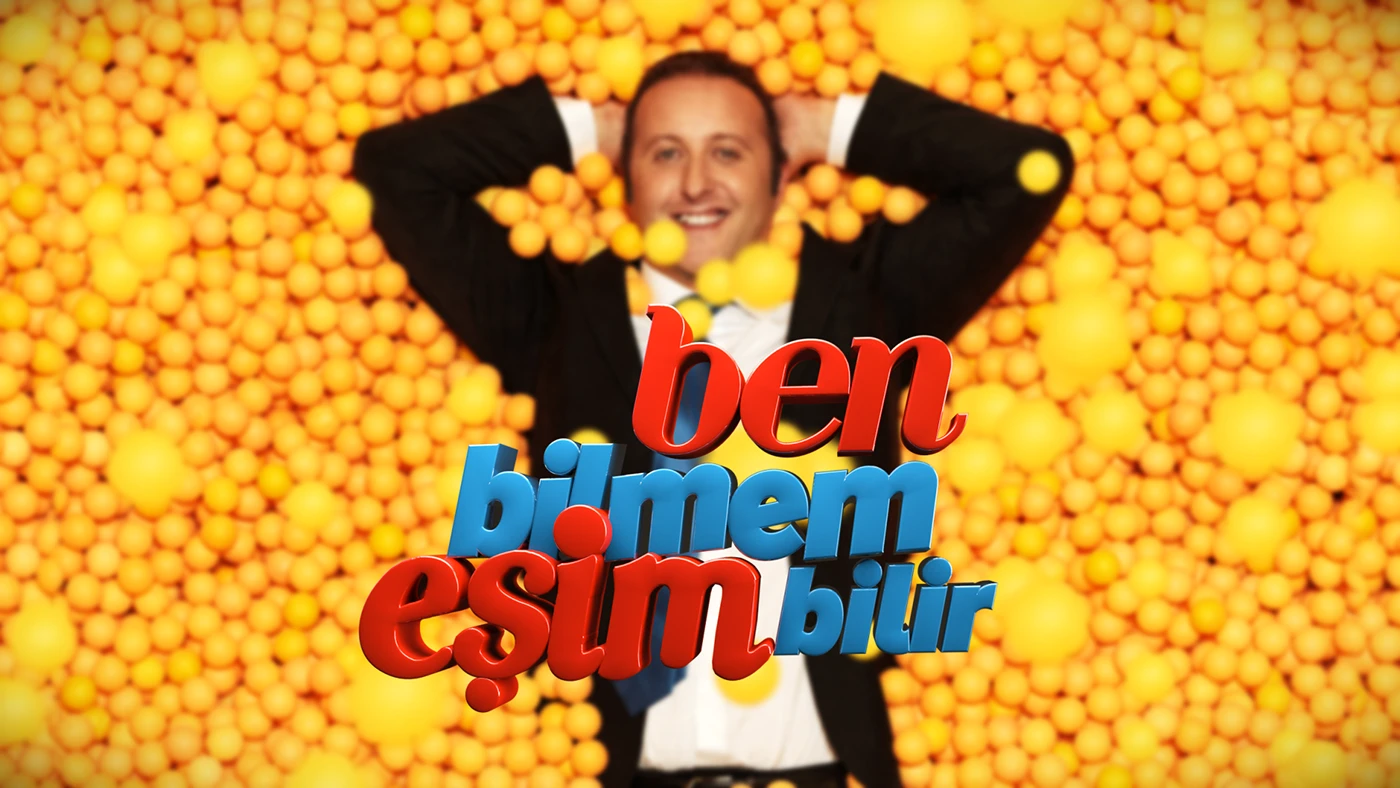
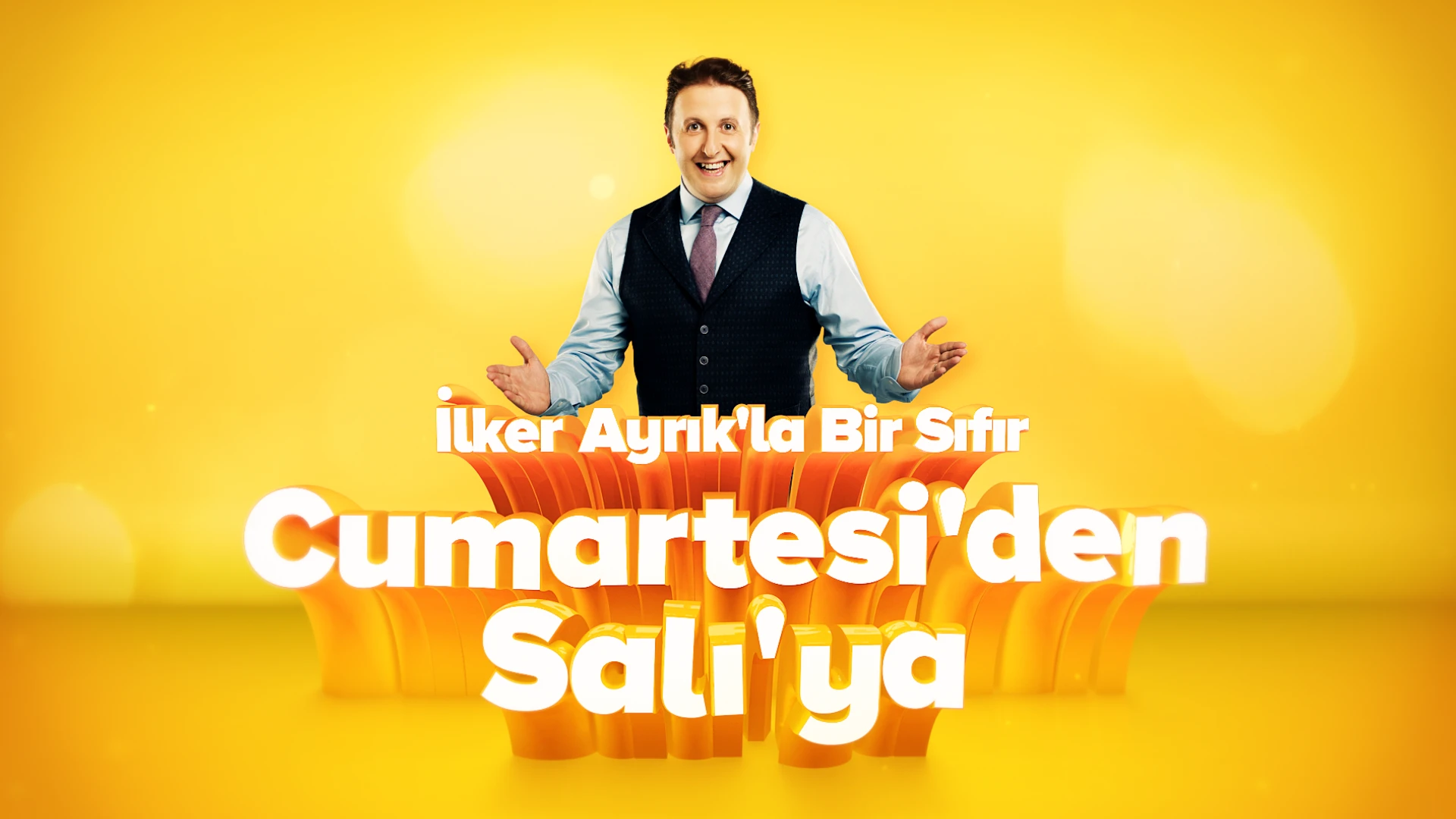
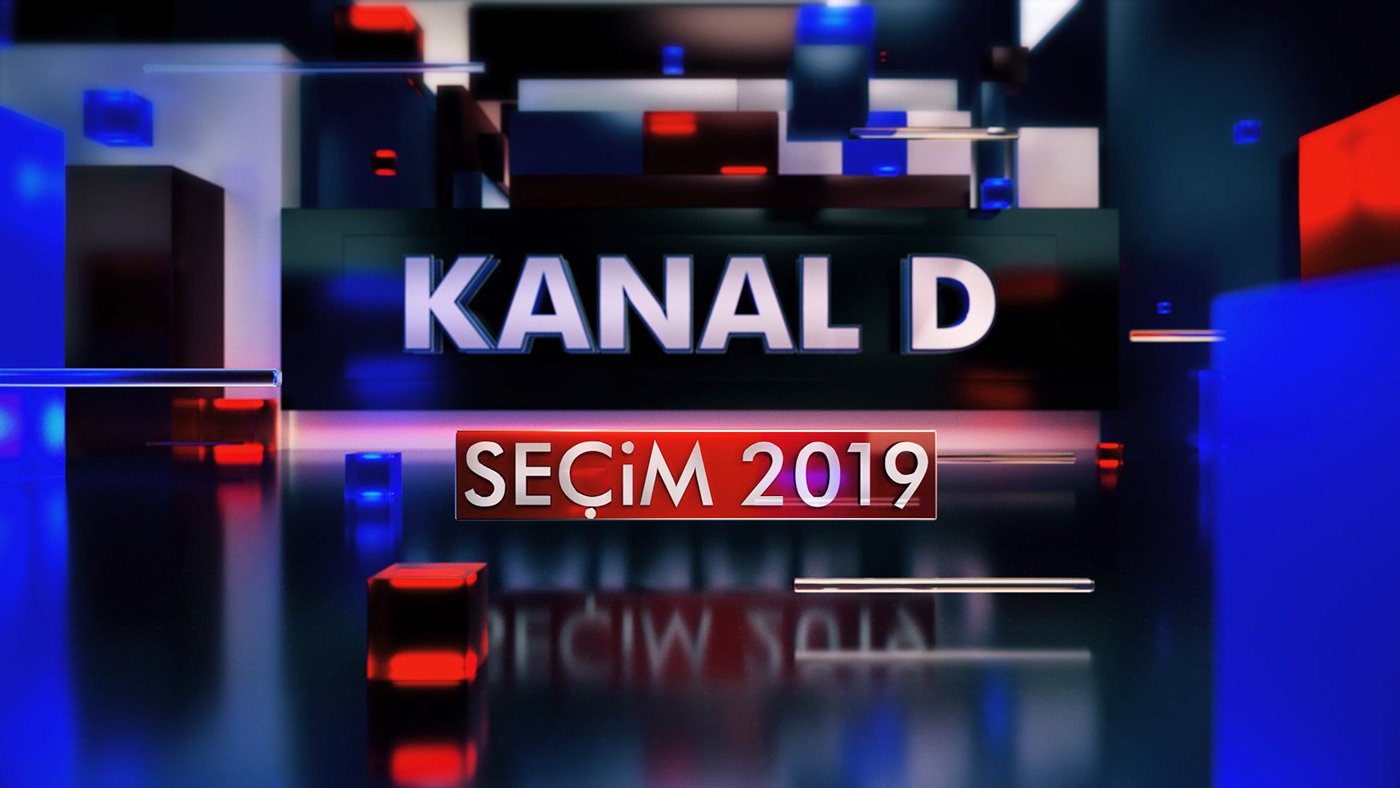
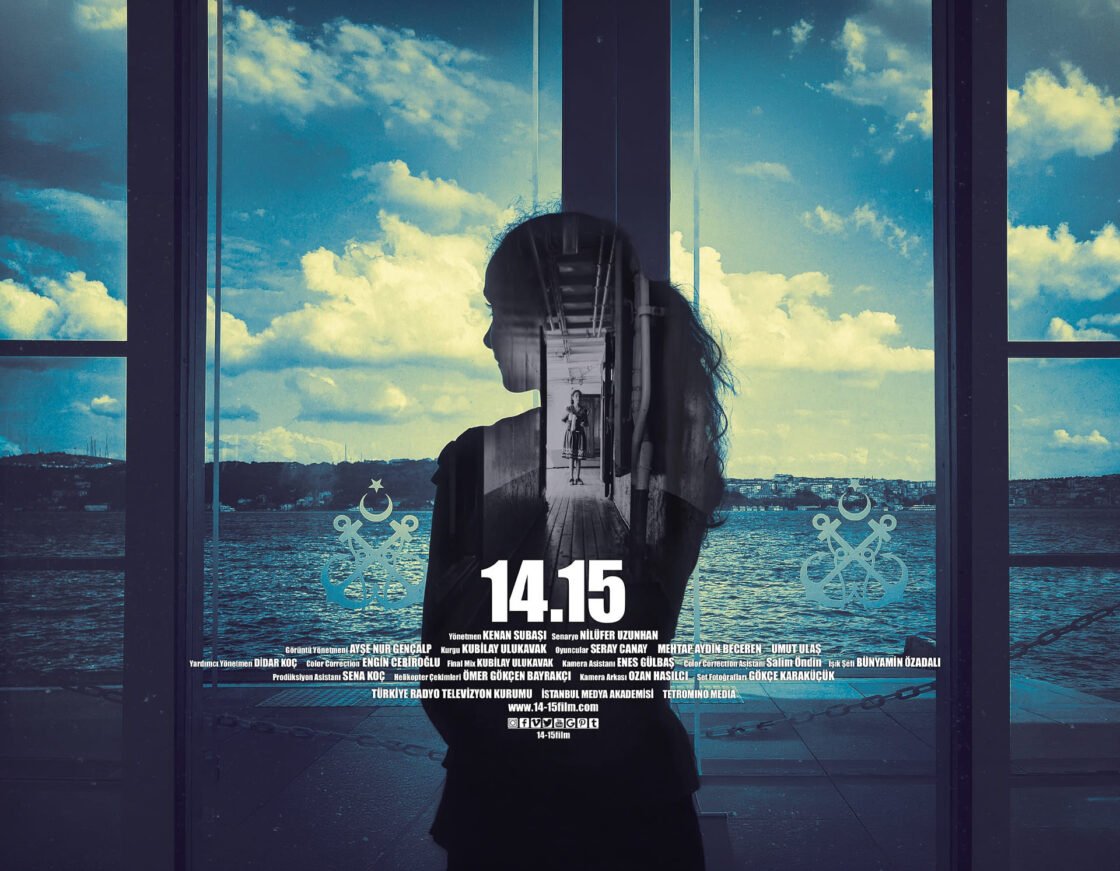
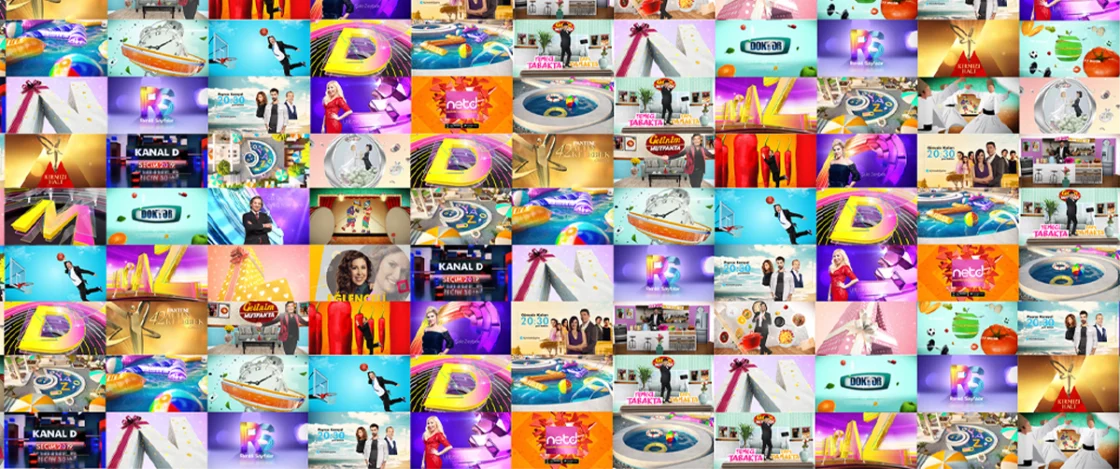
Lecturer Dr. Kenan Subaşı is a faculty member at Istanbul University-Cerrahpaşa. For approximately ten years, he worked as a motion graphic designer at Kanal D, creating channel graphics and animations for television programs, series, films, and news. His short film "14.15" was screened at over 50 festivals in more than 20 countries; he holds a doctorate degree in virtual reality cinema and has a published book. He won first and second place awards in the visual category at the Aydın Doğan Foundation Young Communicators Competition. In his lectures, he combines software knowledge with real-world production practices in the television and advertising industries.

Frequently Asked Questions

I'm not familiar with Cinema 4D, will that be a problem?
No. Cinema 4D is explained from scratch in this package; the only prerequisite is basic After Effects knowledge.

Should I learn Octane or Redshift?
The concepts are common to both engines; the workflow of both is demonstrated in the sessions, and participants proceed with the engine appropriate to their hardware.

Do I have sufficient equipment?
Octane requires an NVIDIA GPU; Redshift also recommends a current graphics card. If you are unsure, please provide your system specifications before registering.

What would you recommend after this package?
For those who want to raise their production quality to industry standards, the Masterclass package is designed as a continuation of this program.

Portfolio

Dr. Kenan Subaşı

Academician | Motion Graphic Artist