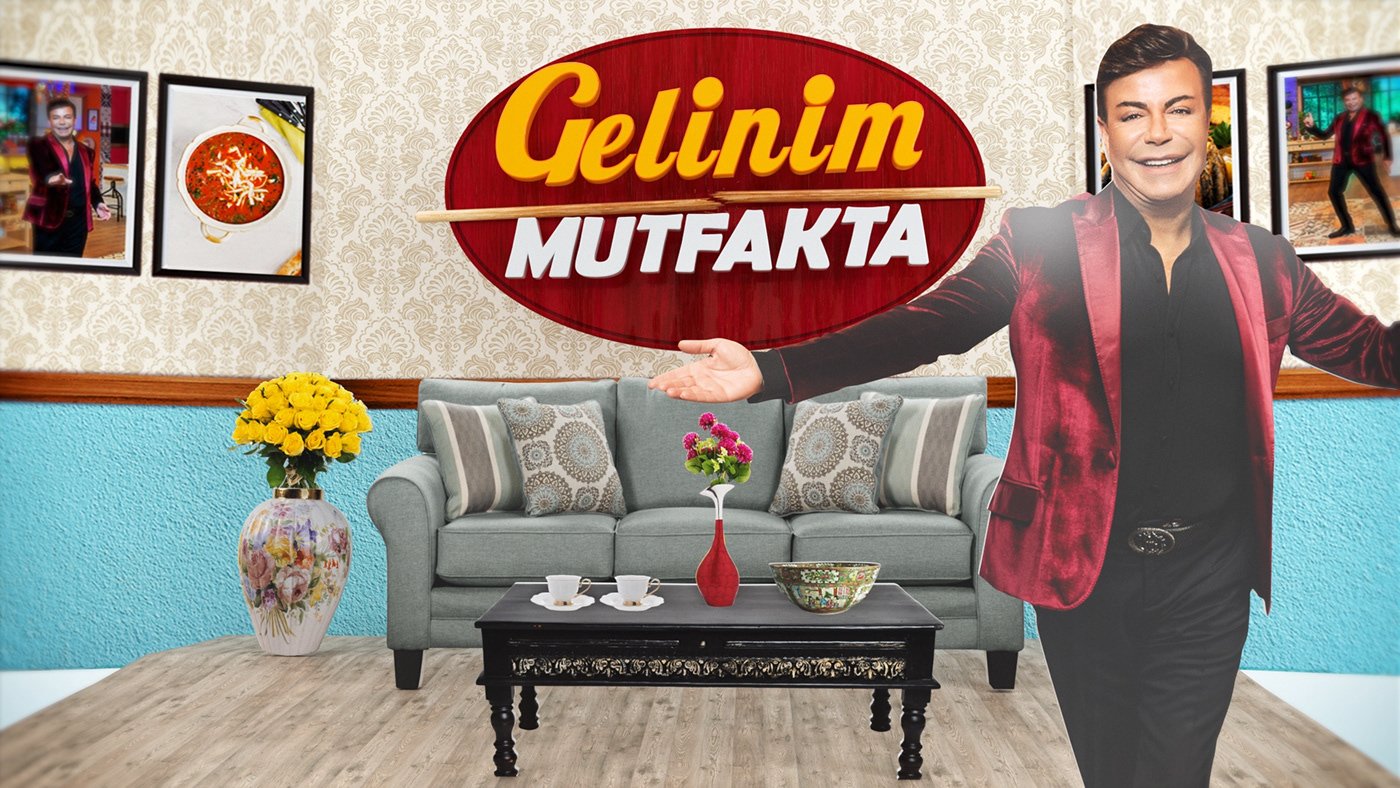
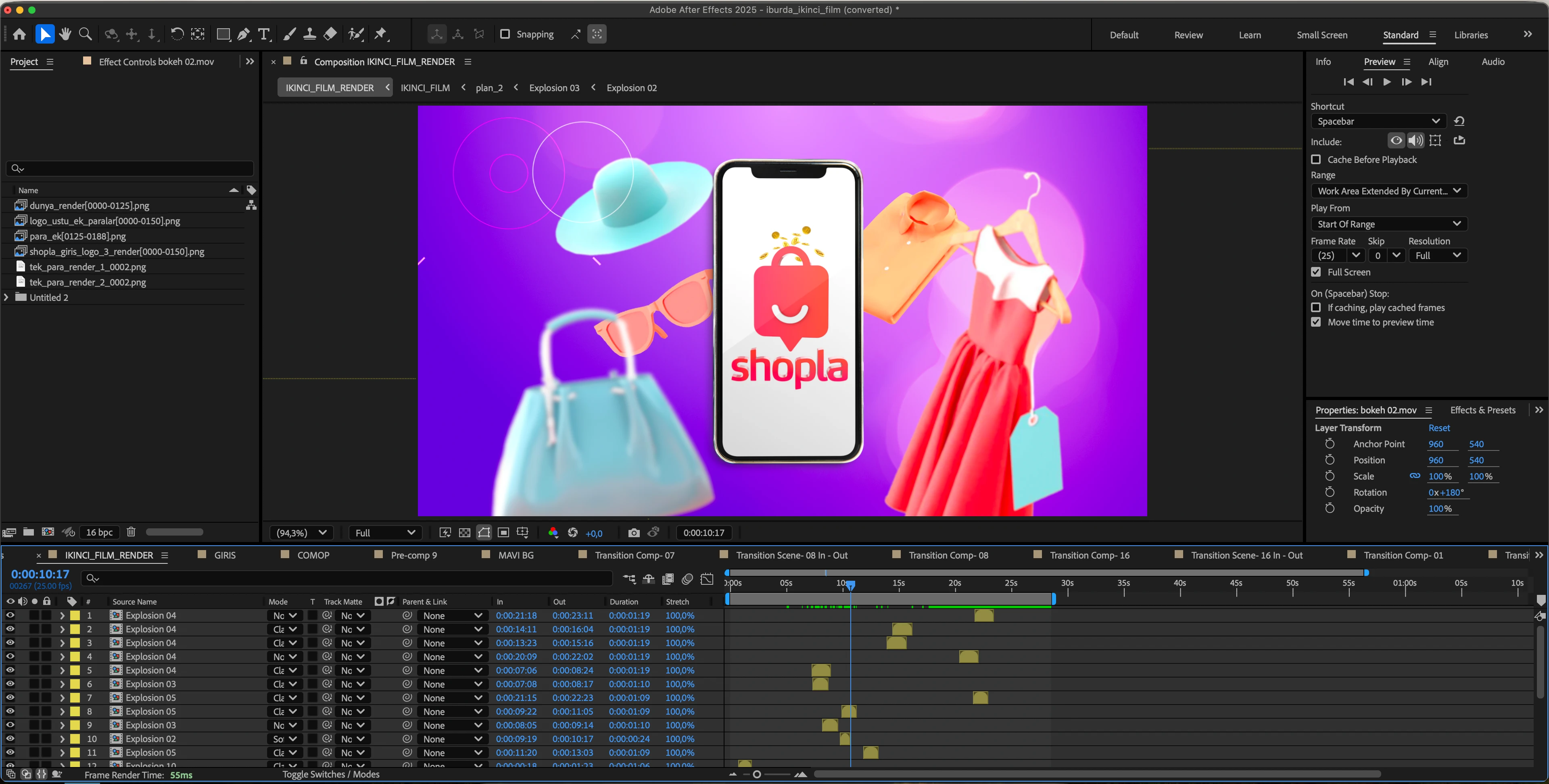
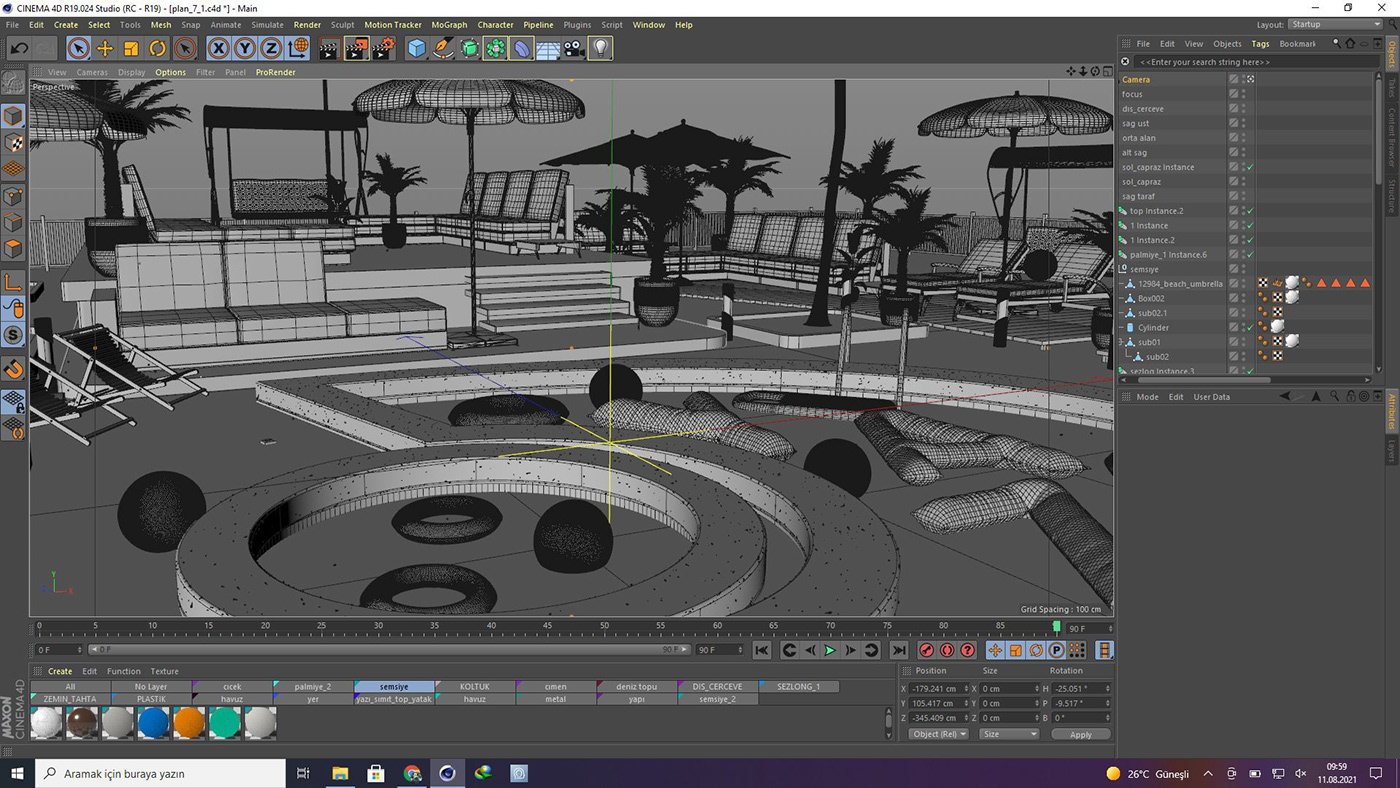
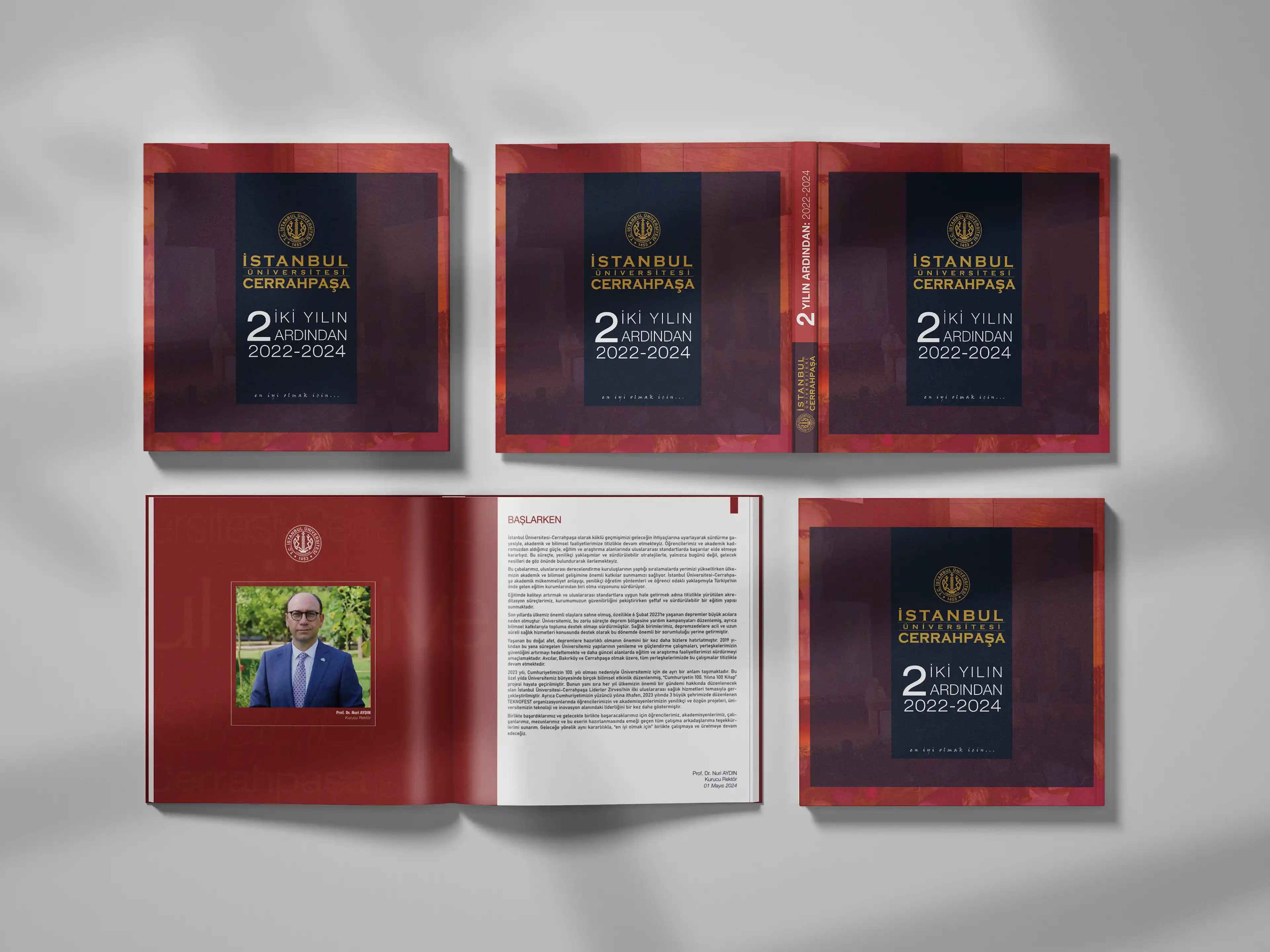
This training is designed for those who want to start motion graphic design from scratch: you'll first learn to design for the screen with Photoshop and Illustrator, and then animate your designs with After Effects. The truth that most animation courses overlook is that good animation starts with good design. Therefore, the first part of the program establishes design fundamentals like composition, typography, and color through these two design software programs; the second part brings these designs to life using the 12 fundamental principles of animation.
The 12-week, 50-hour program is entirely online and hands-on: from logo animation and social media series to television tickers and title sequence design, you'll progress through a tangible project each week. Upon completion, you'll master the production lines of all three software programs and possess a strong initial portfolio to showcase to employers or clients. There are no prerequisites; all three programs are taught from scratch.
For anyone who wants to start motion graphic design from scratch.
Those aiming to work in television, advertising agencies, and digital agencies.
Social media experts, content creators, and those who want to create content for their own brand.
Students and graduates of Graphic Design, Film-TV, Advertising and Communication fields.
Designers who want to switch from static design to animation.
What will you gain by the end of the course?
Ability to create screen-oriented designs in Photoshop and Illustrator.
Keyframe animation, mask, track matte, and composition management in After Effects.
The habit of applying the 12 basic principles of animation.
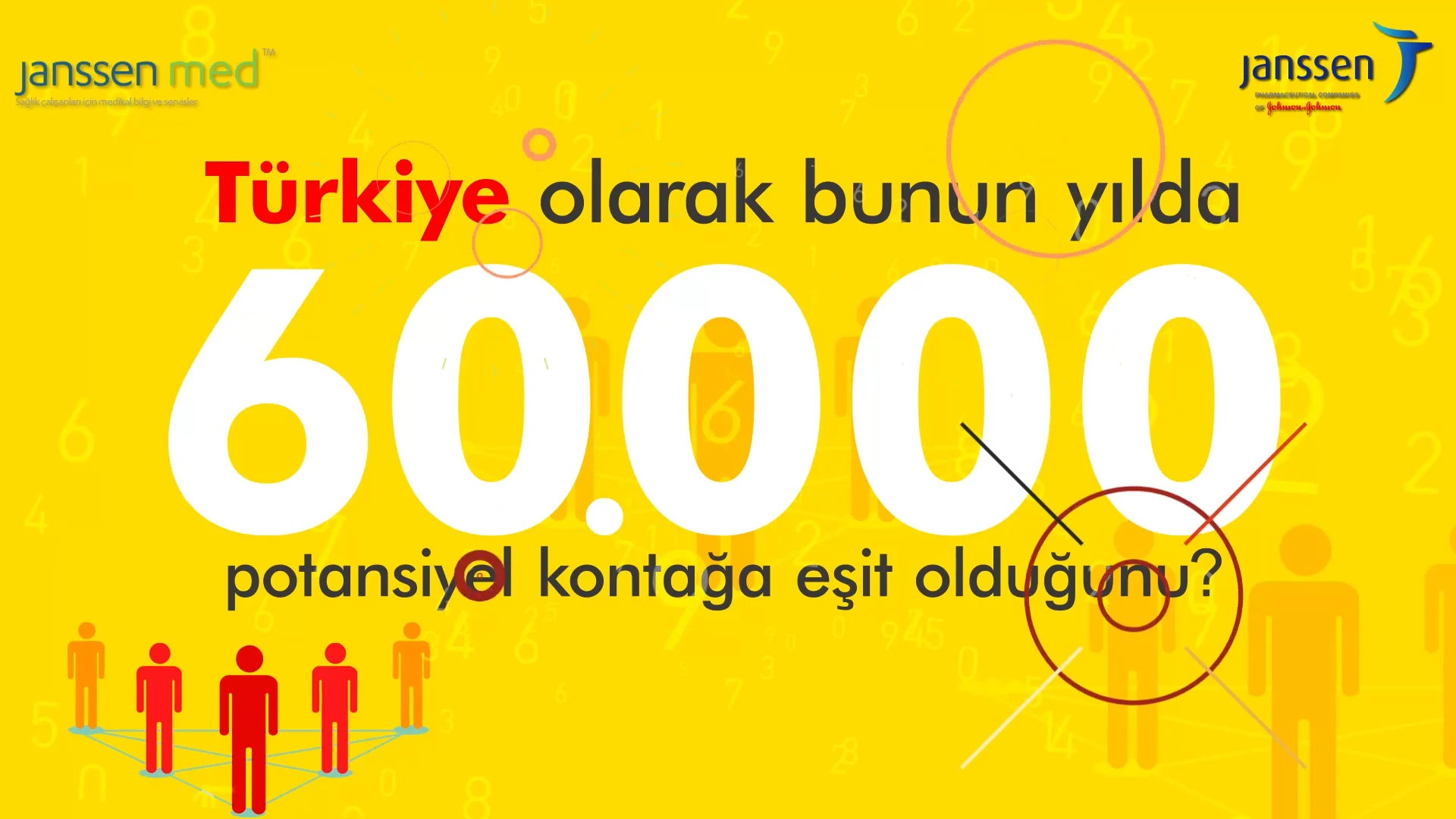
Production experience in logo animation, lower third, social media series, title sequences, and promotional videos.
A starting portfolio culminating in a graduation project.
12-Week Program
Week 1 — Design Fundamentals and Introduction to Photoshop
Design for the screen: composition, hierarchy, balance.
Photoshop interface, layer logic and masks
Resolution, color modes, and screen formats.
Week 2 — Screen Design with Photoshop
Photo editing and collage techniques
Typography and visuals work together.
Week 3 — Introduction to Illustrator: The Vector World
Vector logic; pen tool and shape tools.
Logo and icon design techniques
Color palettes and global color management
Week 4 — Designing Styleframes with Illustrator
Typographic composition and layout
Styleframe concept: the animation design phase
File structure for importing into After Effects.
Week 5 — Introduction to After Effects
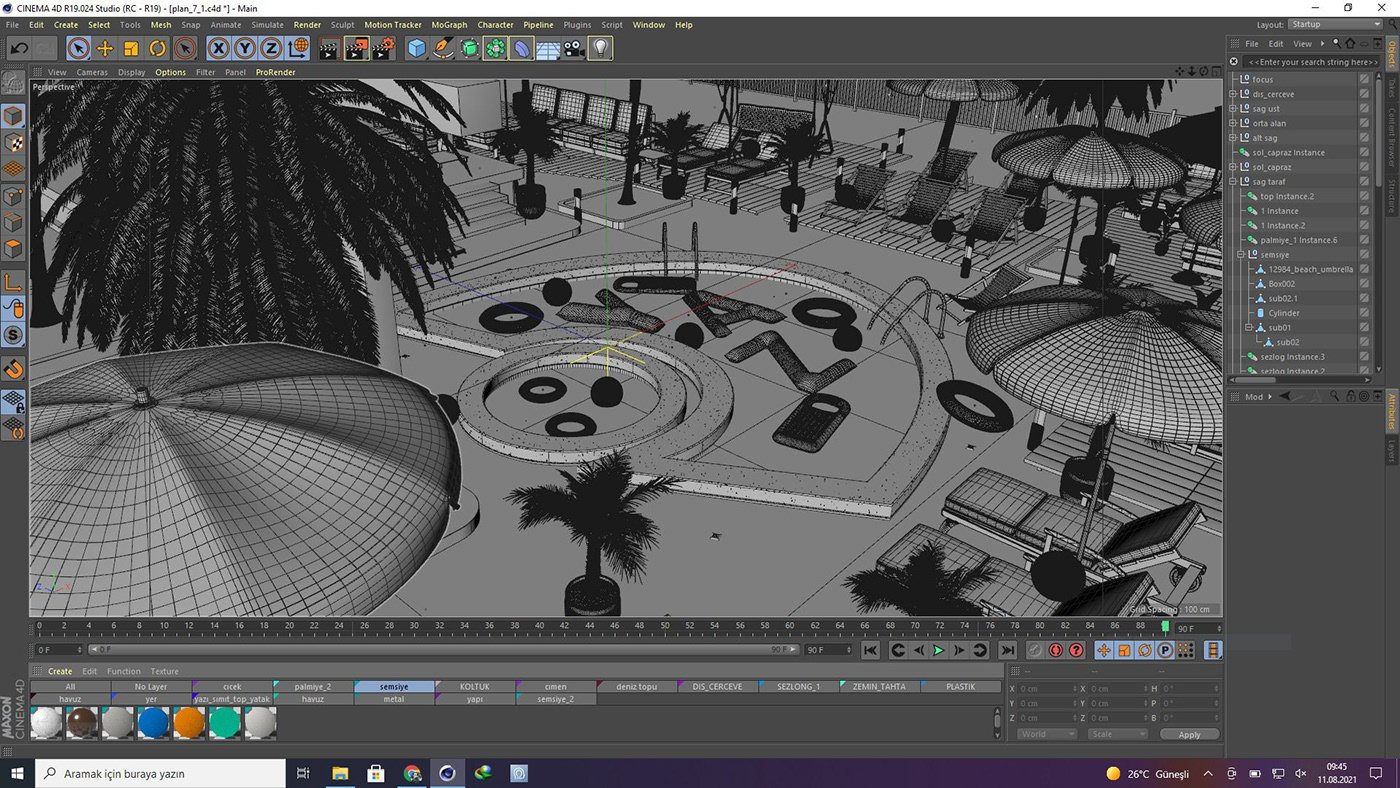
Interface, workspace, and project organization.
Composition, timeline, and layer logic.
Transform properties and the first keyframes
Week 6 — The Language of Animation
12 Fundamental Principles of Animation
Characterization of motion with graph editor and easing.
Application: Study of the law of motion
Week 7 — Mask, Matte, and Integration
Masking, alpha channel, and track matte.
Stage management with precomposition
Animation of Photoshop and Illustrator files
Week 8 — Application: Logo Animation and Lower Third
Logo animation: bringing brand identity to life.
Television lower third design and animation.
Export in broadcast formats
Week 9 — Application: Social Media Series
Post, story, and reels formats; platform requirements.
Loop animation design
Design and animation of the three-part series.
Week 10 — Application: Generic Design
Generic analysis: what do good examples do?
Sound-visual synchronization; animation based on rhythm.
The relationship between typography and movement.
Week 11 — Application: Introduction/Infographic Video
Information hierarchy and data visualization
Shape layer techniques
Introduction to Expressions: Automating Repetitions
Week 12 — Final Project and Portfolio
Final project production and one-on-one feedback.
Portfolio and video resume editing
Presentation, evaluation, and closing remarks on the sector.
About the Instructor
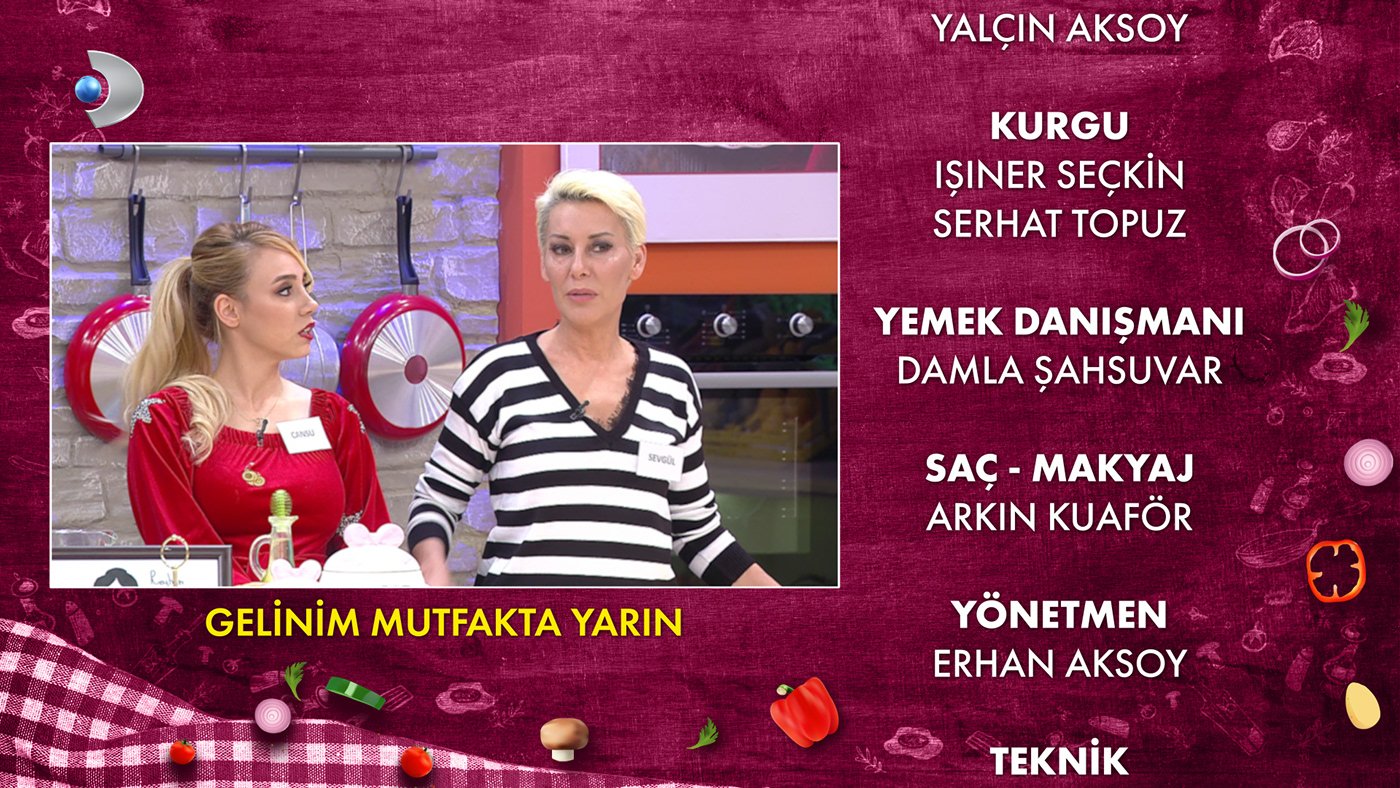
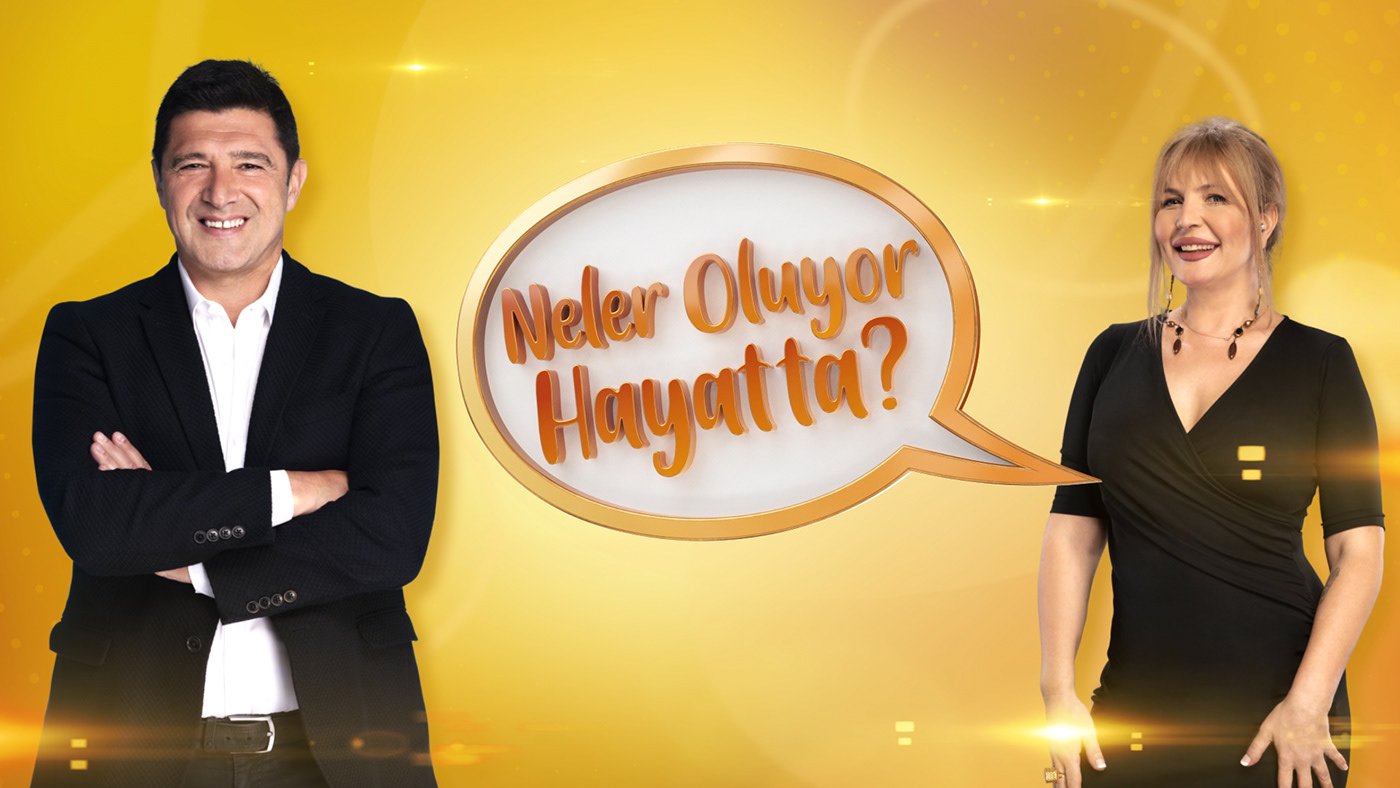
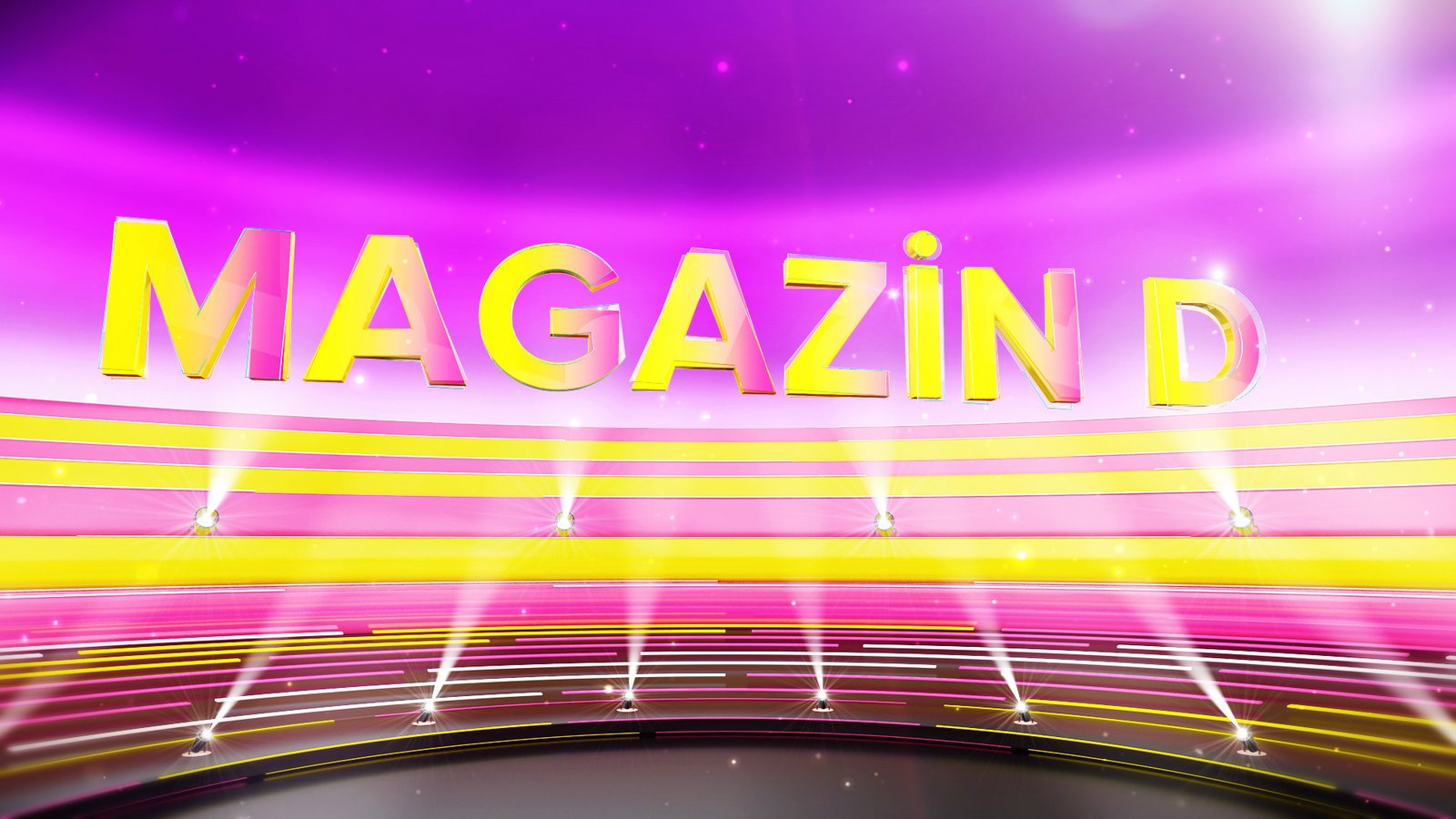
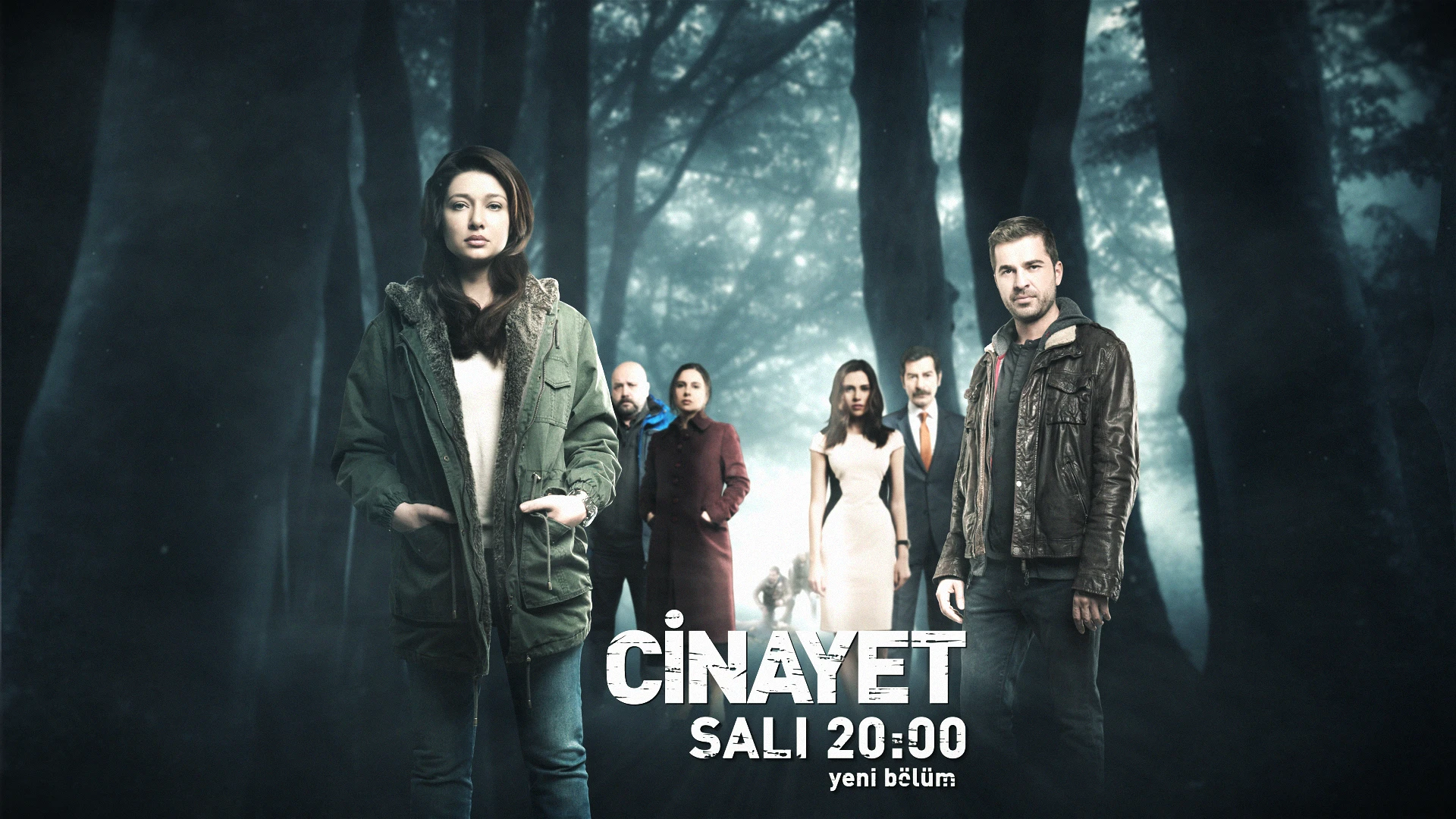
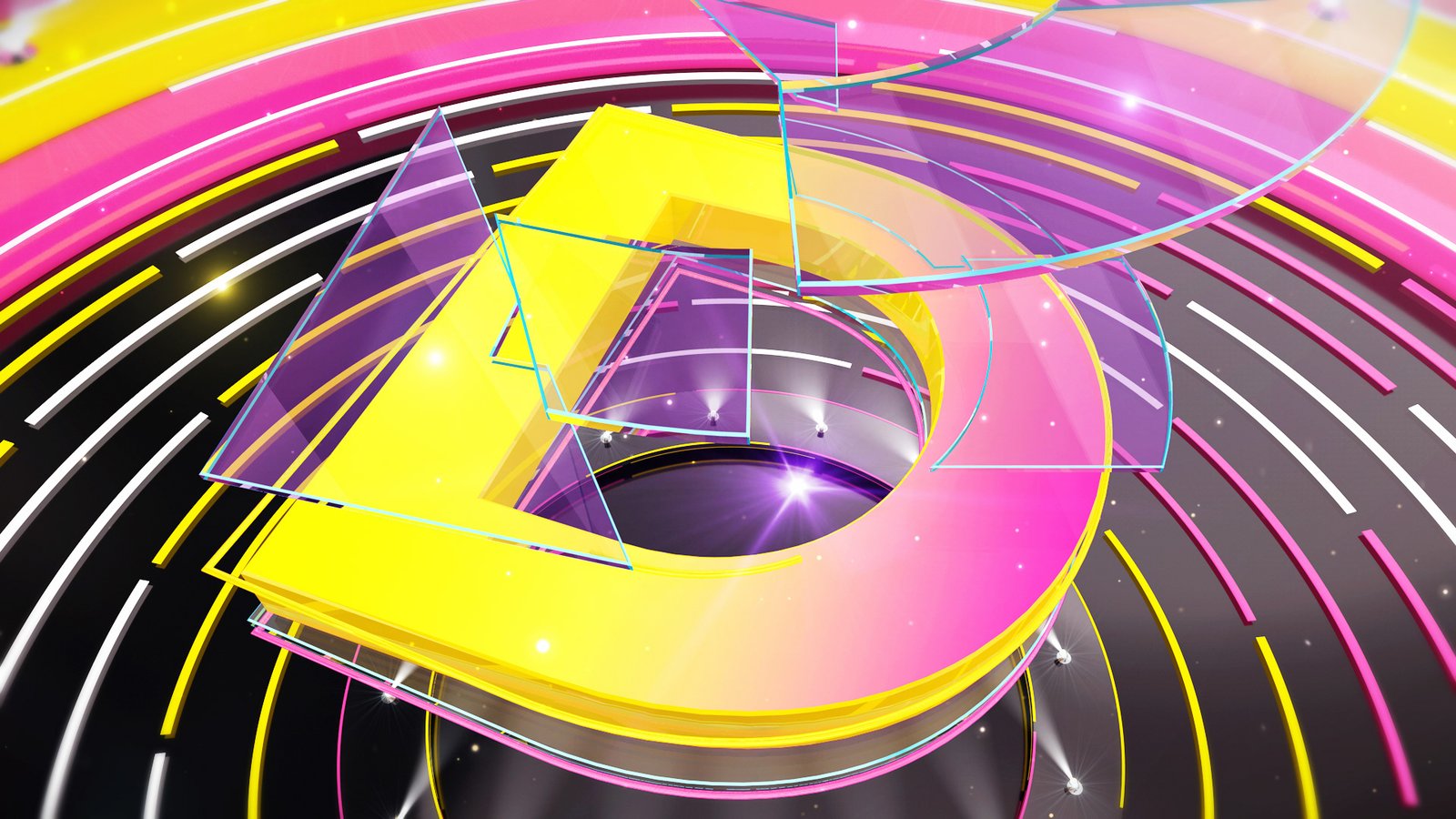
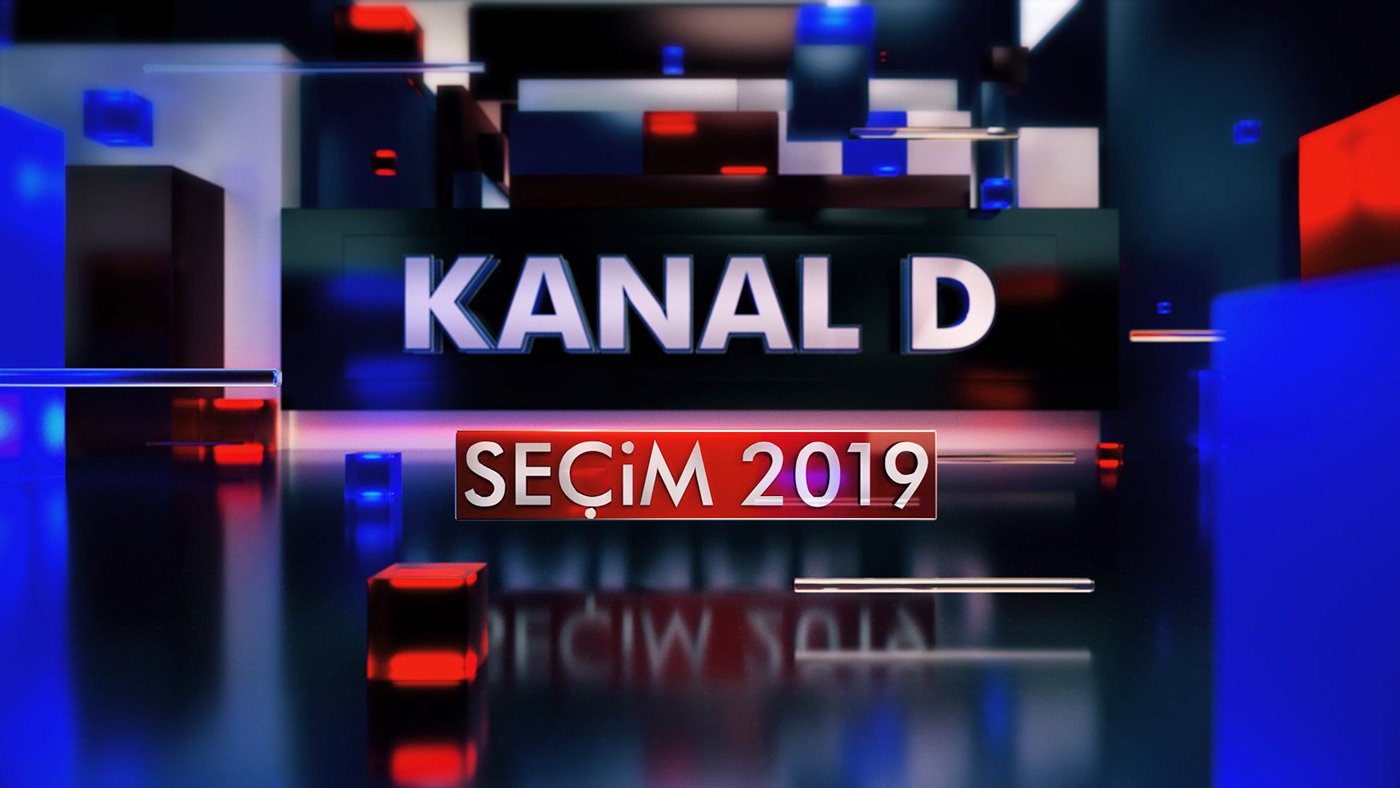
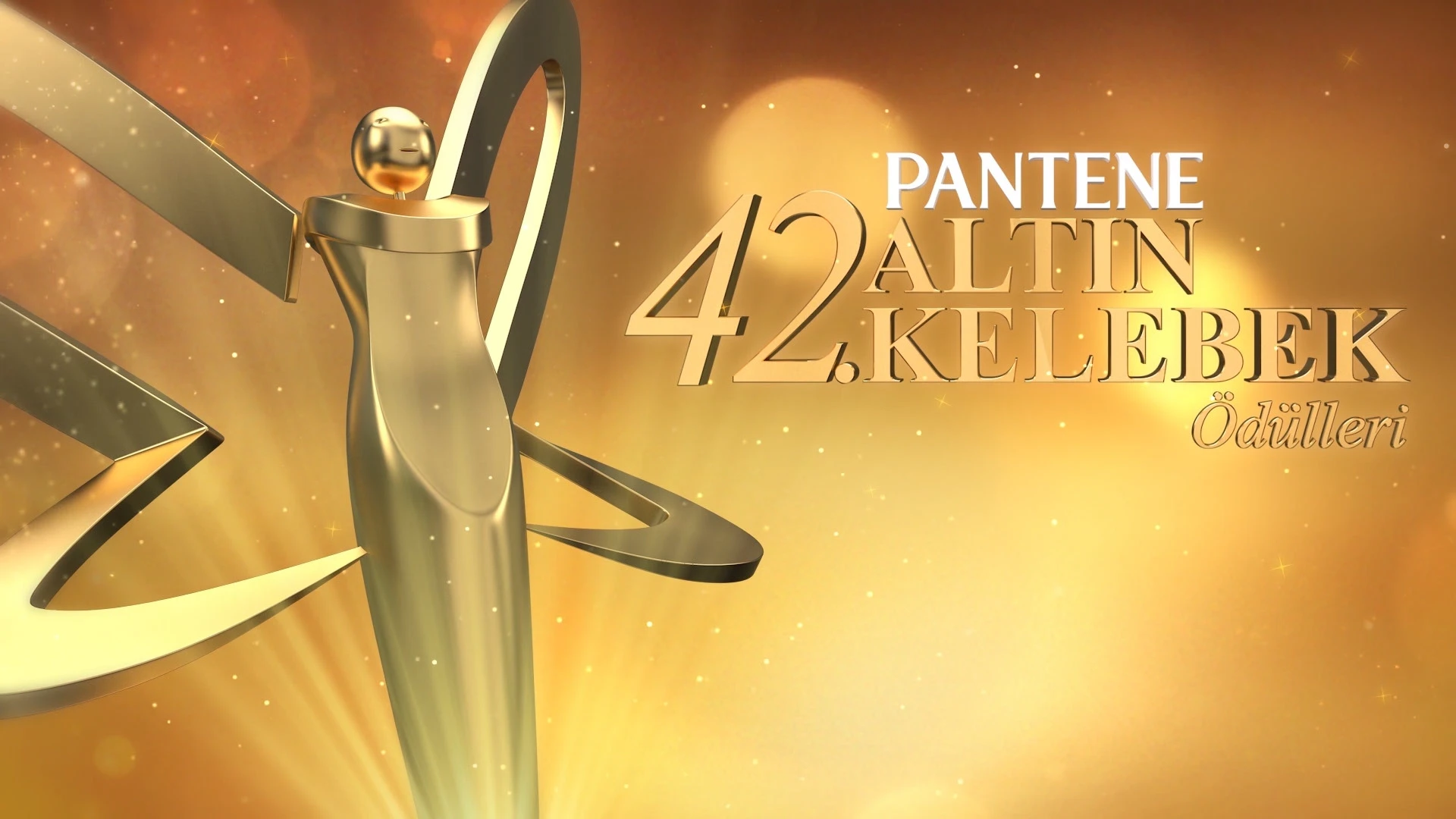
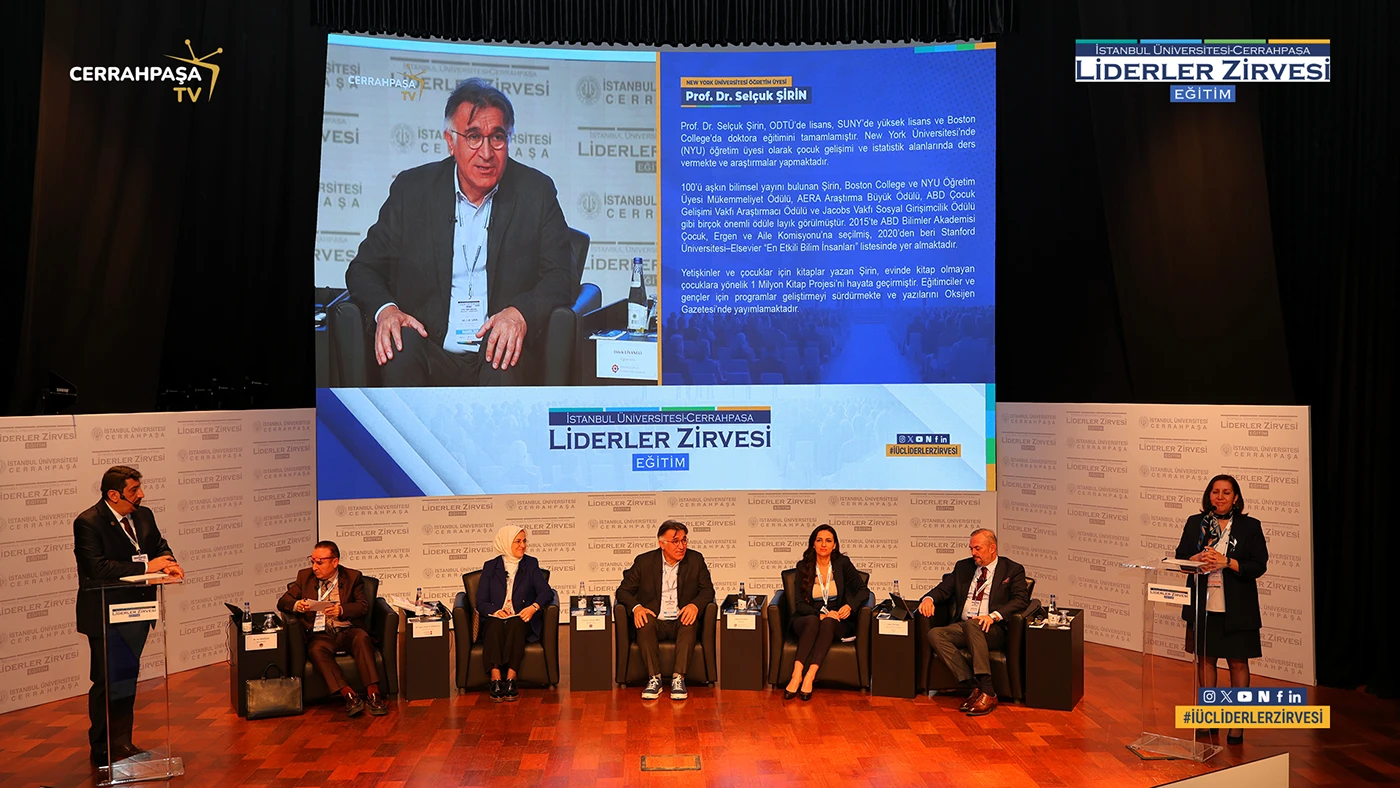
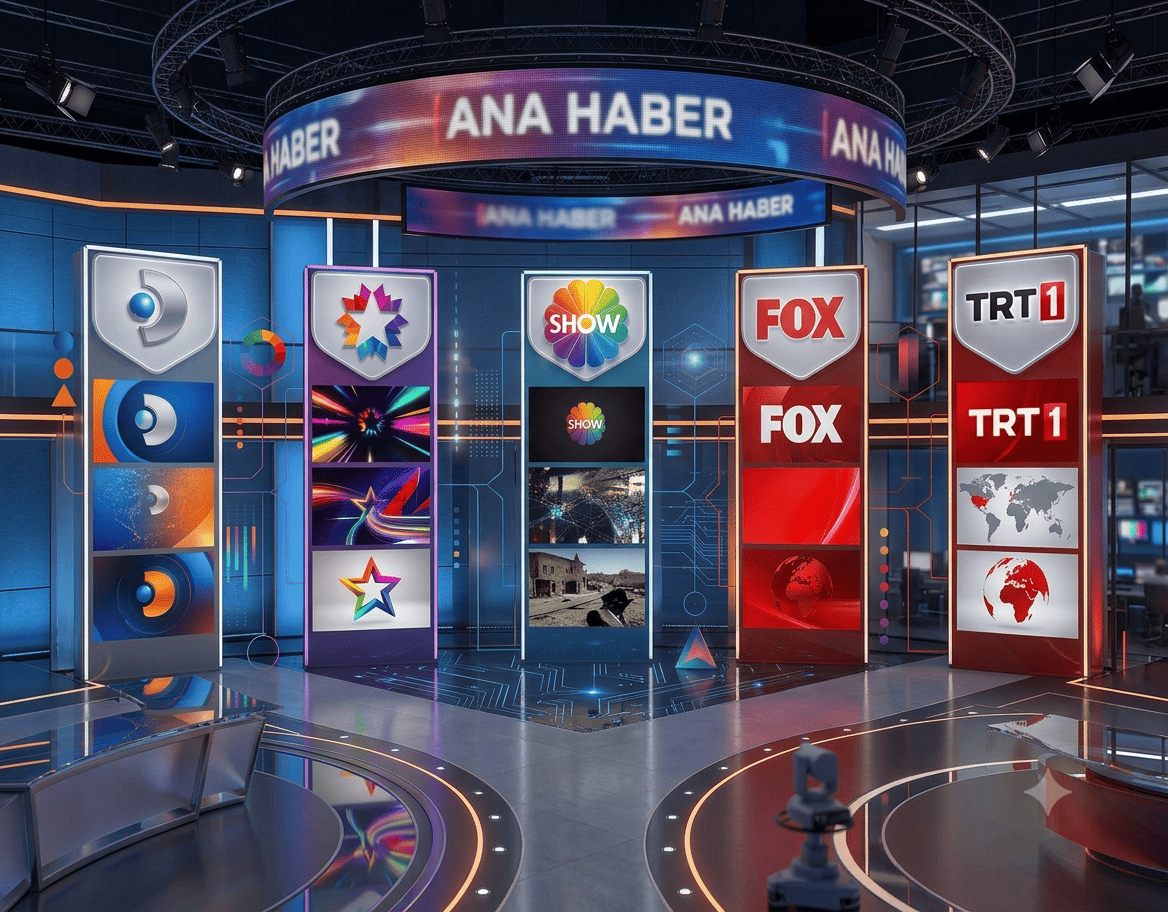
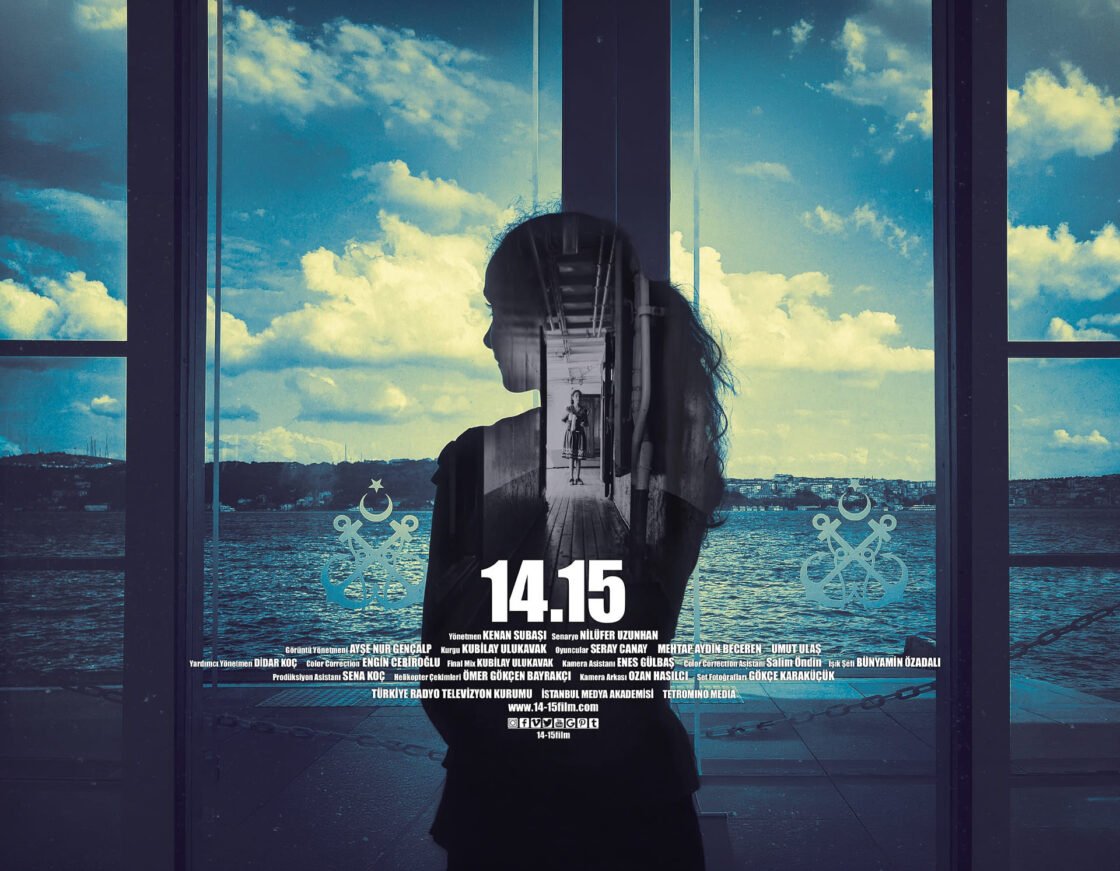
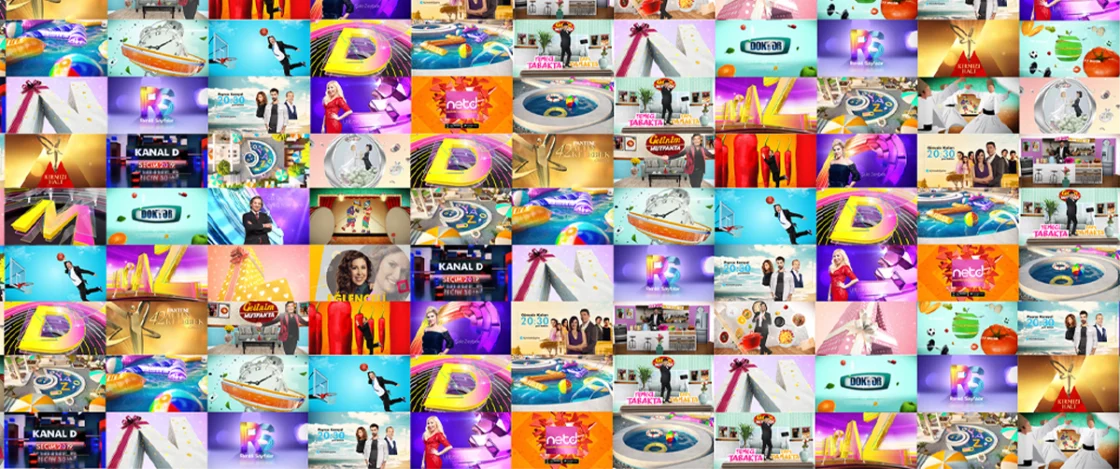
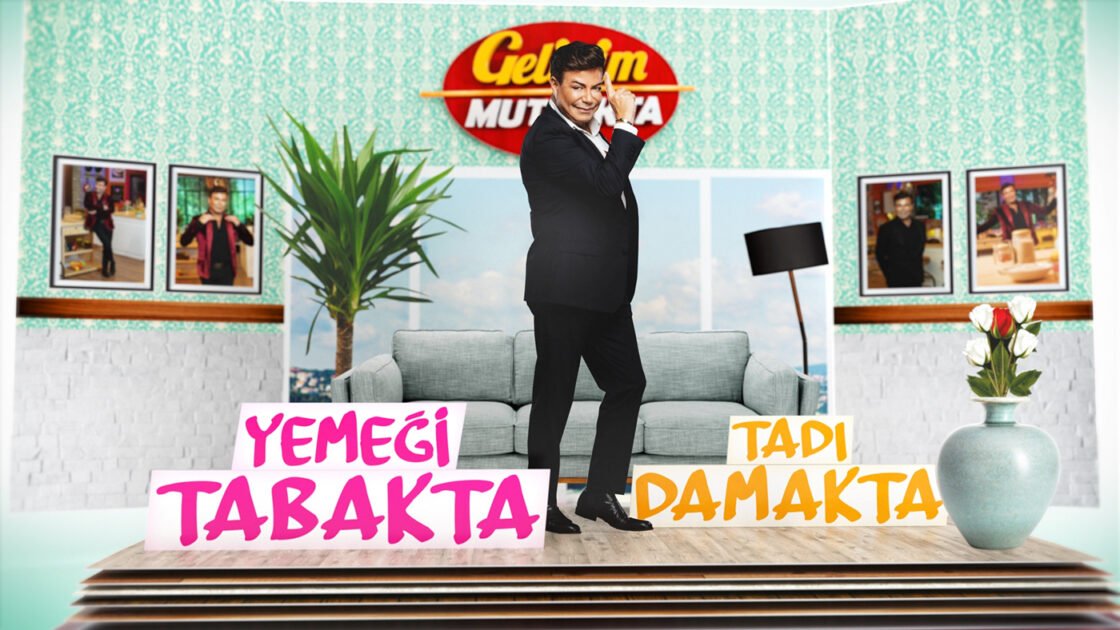
Lecturer Dr. Kenan Subaşı is a faculty member at Istanbul University-Cerrahpaşa. For approximately ten years, he worked as a motion graphic designer at Kanal D, creating channel graphics and animations for television programs, series, films, and news. His short film "14.15" was screened at over 50 festivals in more than 20 countries; he holds a doctorate degree in virtual reality cinema and has a published book. He won first and second place awards in the visual category at the Aydın Doğan Foundation Young Communicators Competition. In his lectures, he combines software knowledge with real-world production practices in the television and advertising industries.
Frequently Asked Questions
I know nothing about design, can I participate?
Yes. The program is designed for beginners; Photoshop, Illustrator, and After Effects are explained from the basics, with no prerequisites.
What equipment do I need?
A computer capable of running Adobe Creative Cloud (Photoshop, Illustrator, After Effects) is sufficient; 16 GB of RAM is recommended.
What happens if I miss classes?
Sessions are processed live; make-up and retake options will be shared during registration.
What will I gain at the end of the course?
A shareable starter portfolio consisting of production skills and course projects covering three software programs.