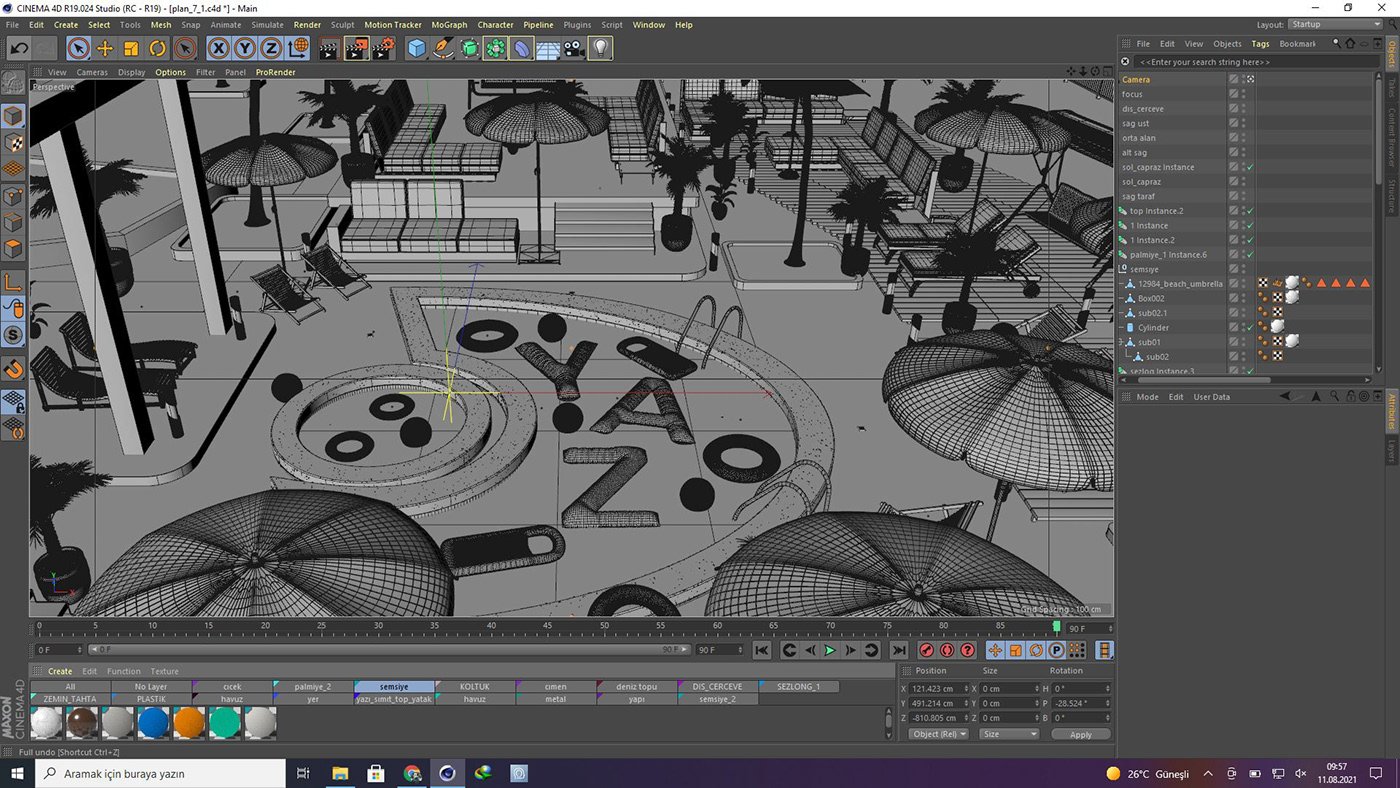
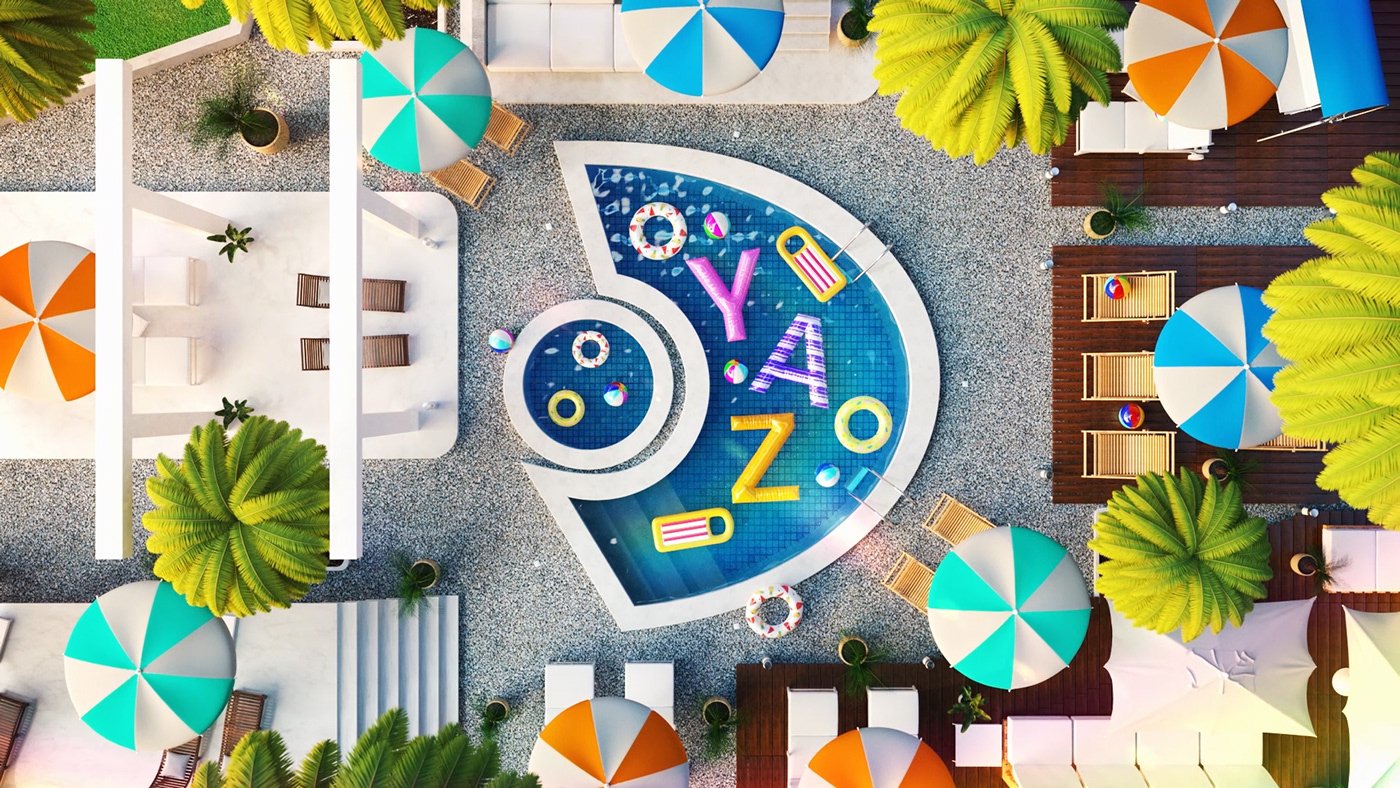
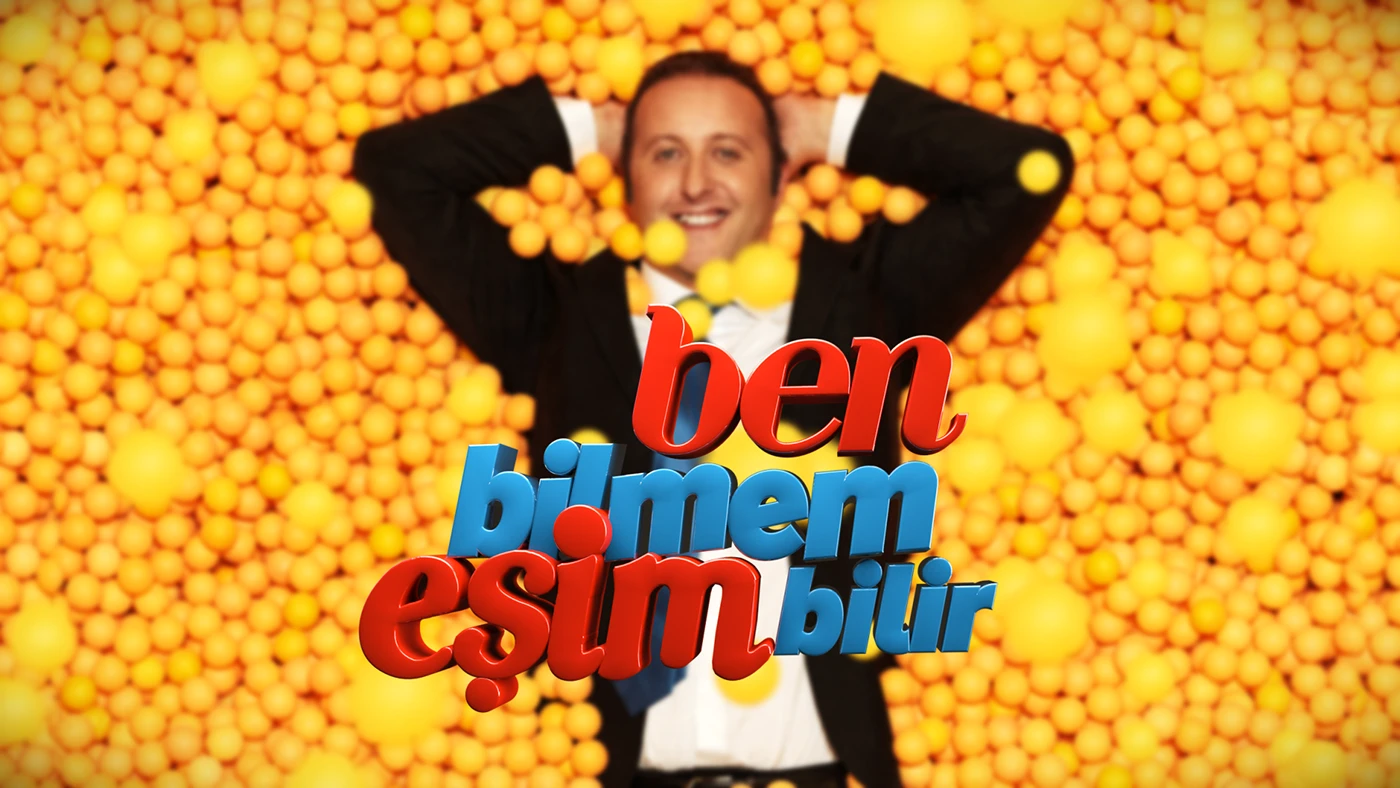
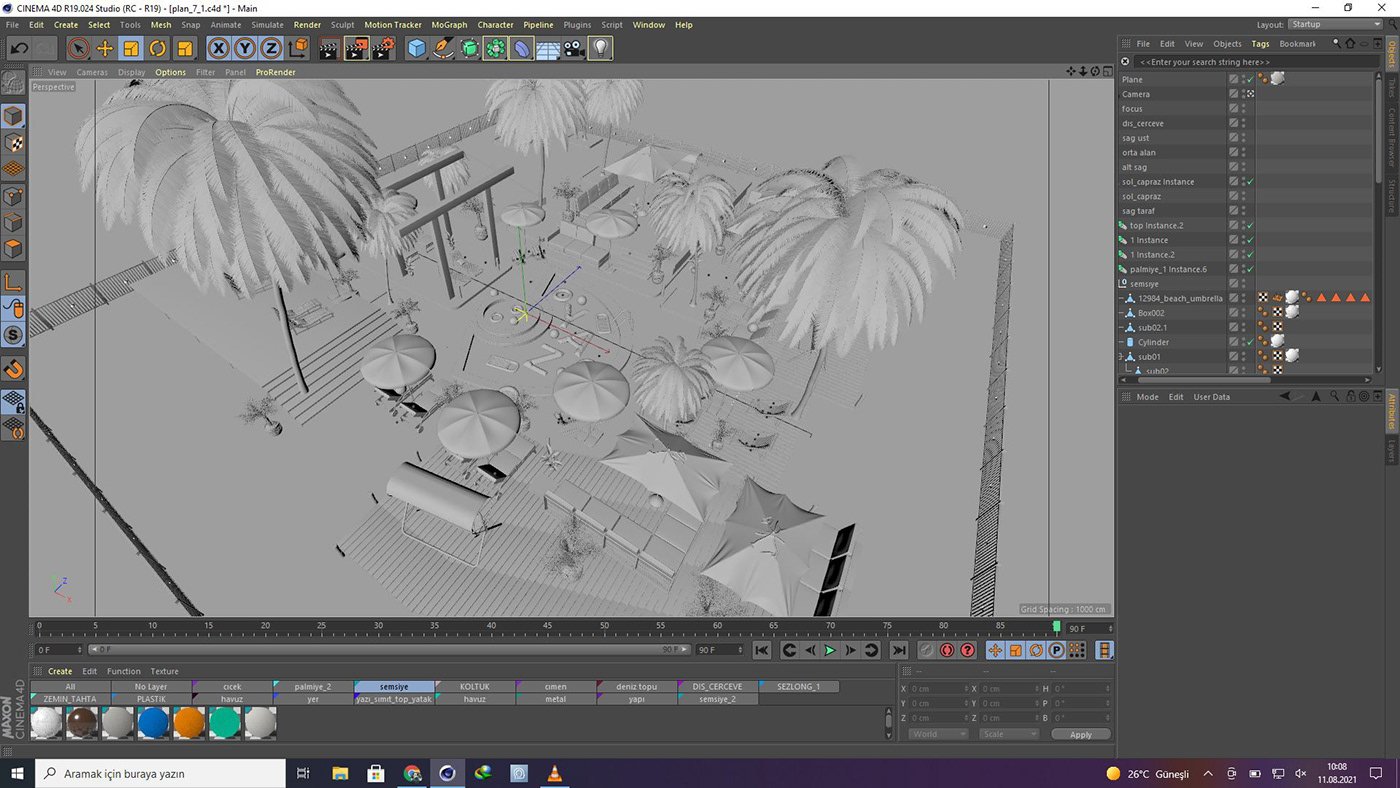
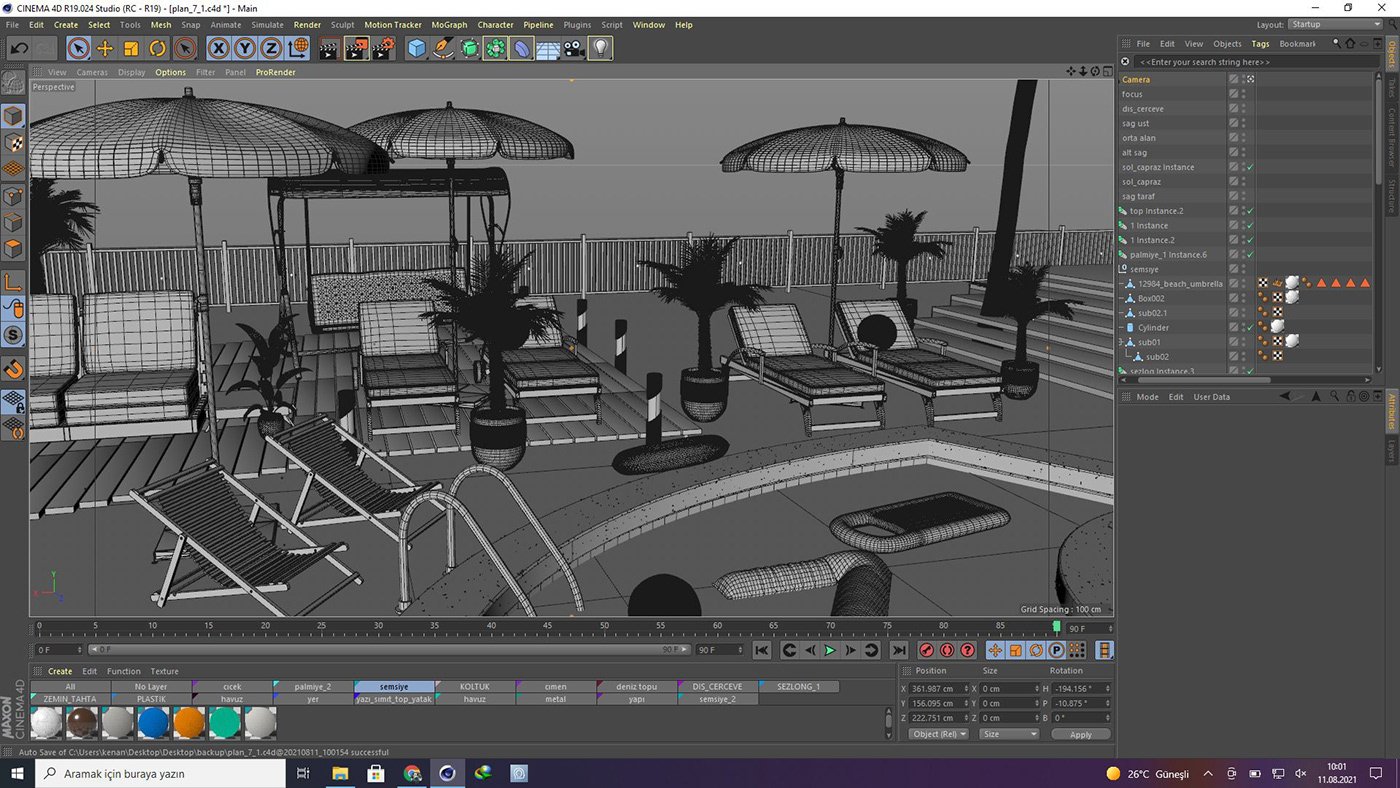
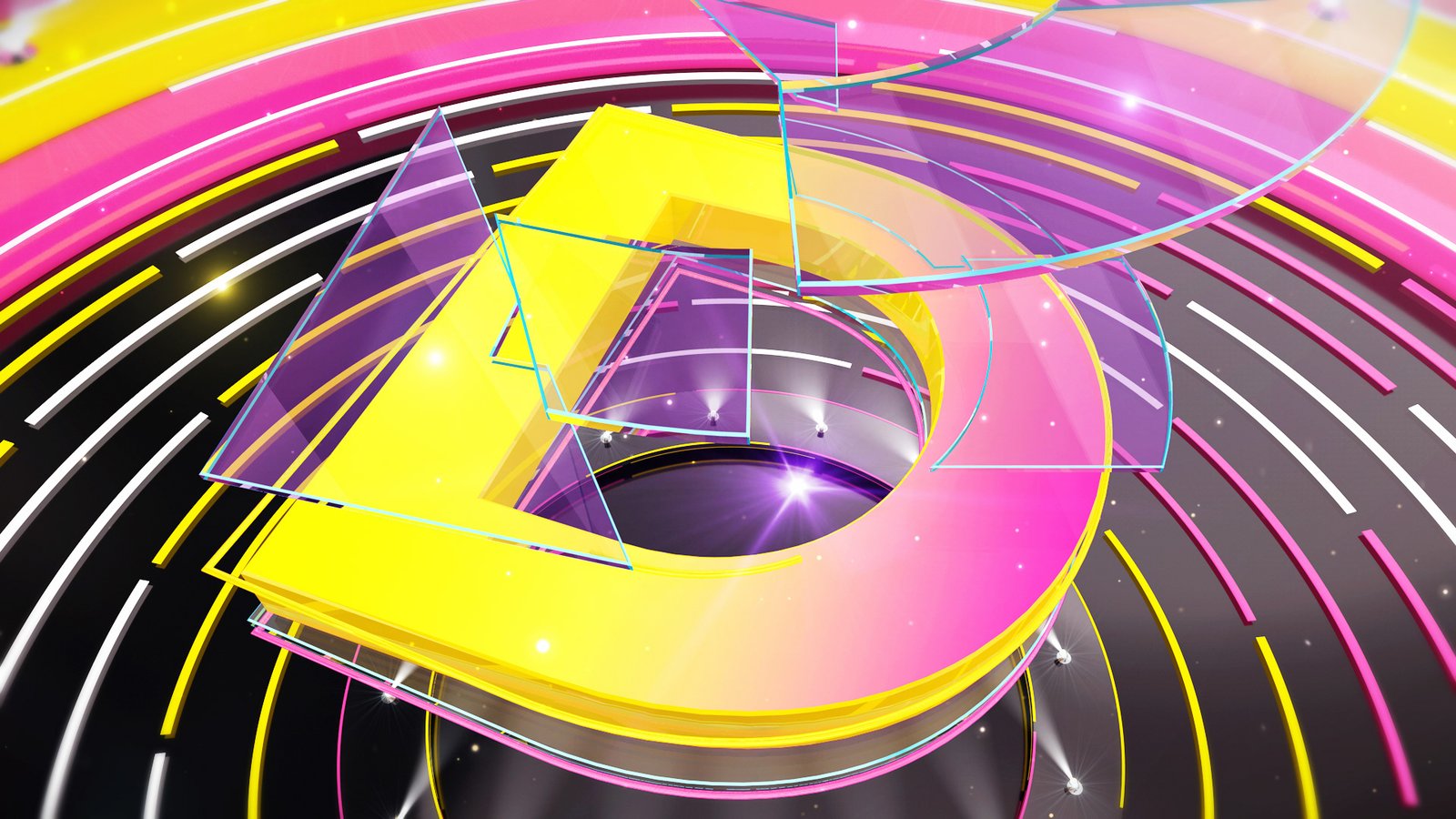
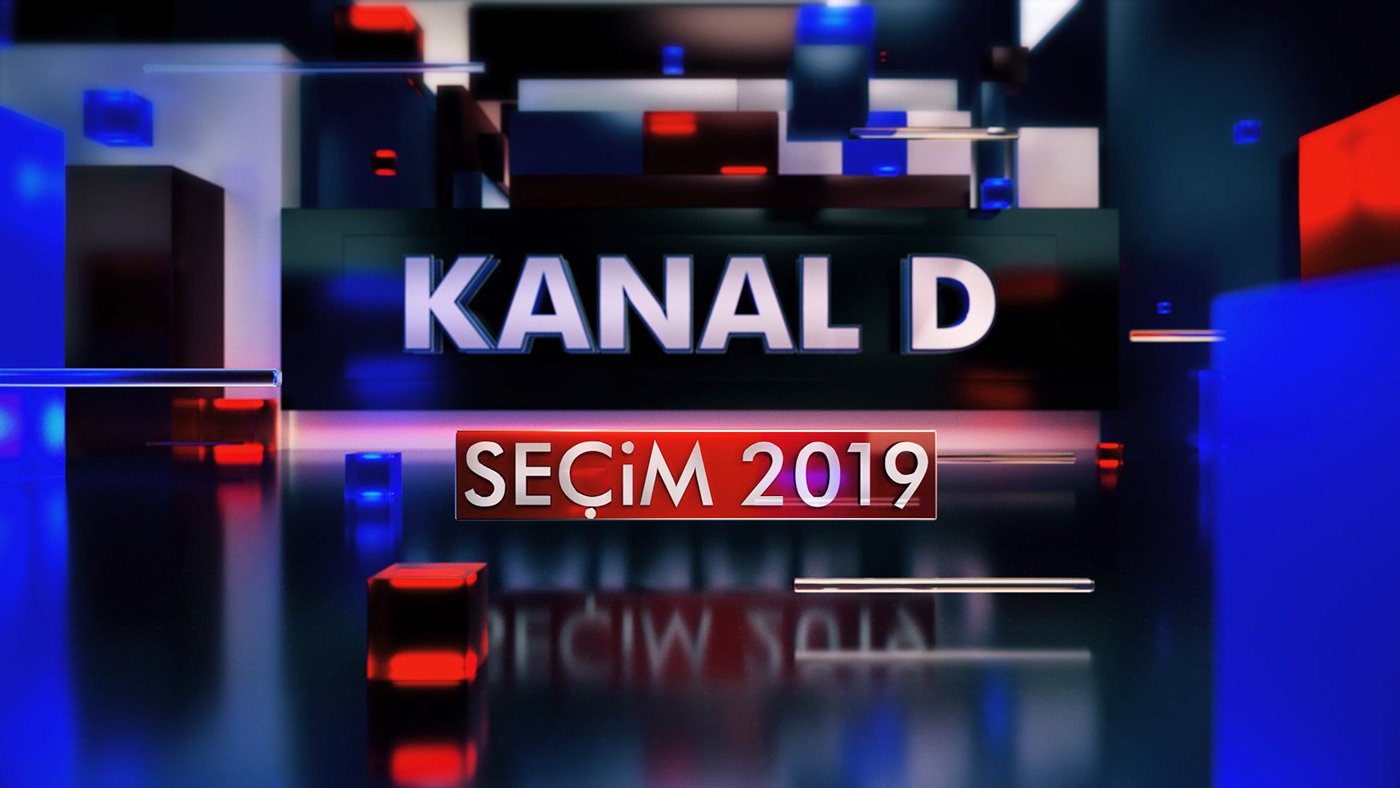
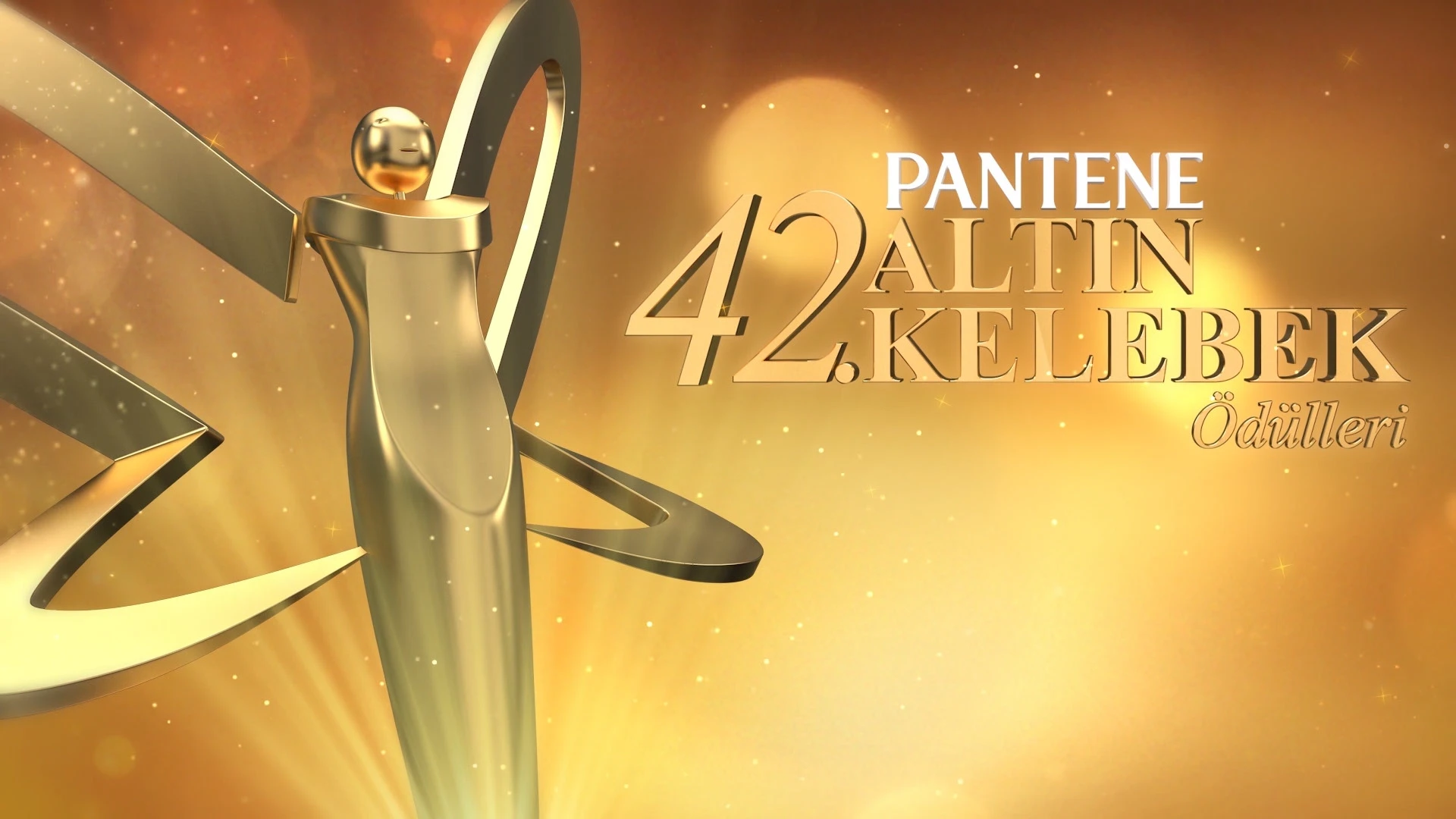
3D Motion Graphic Design
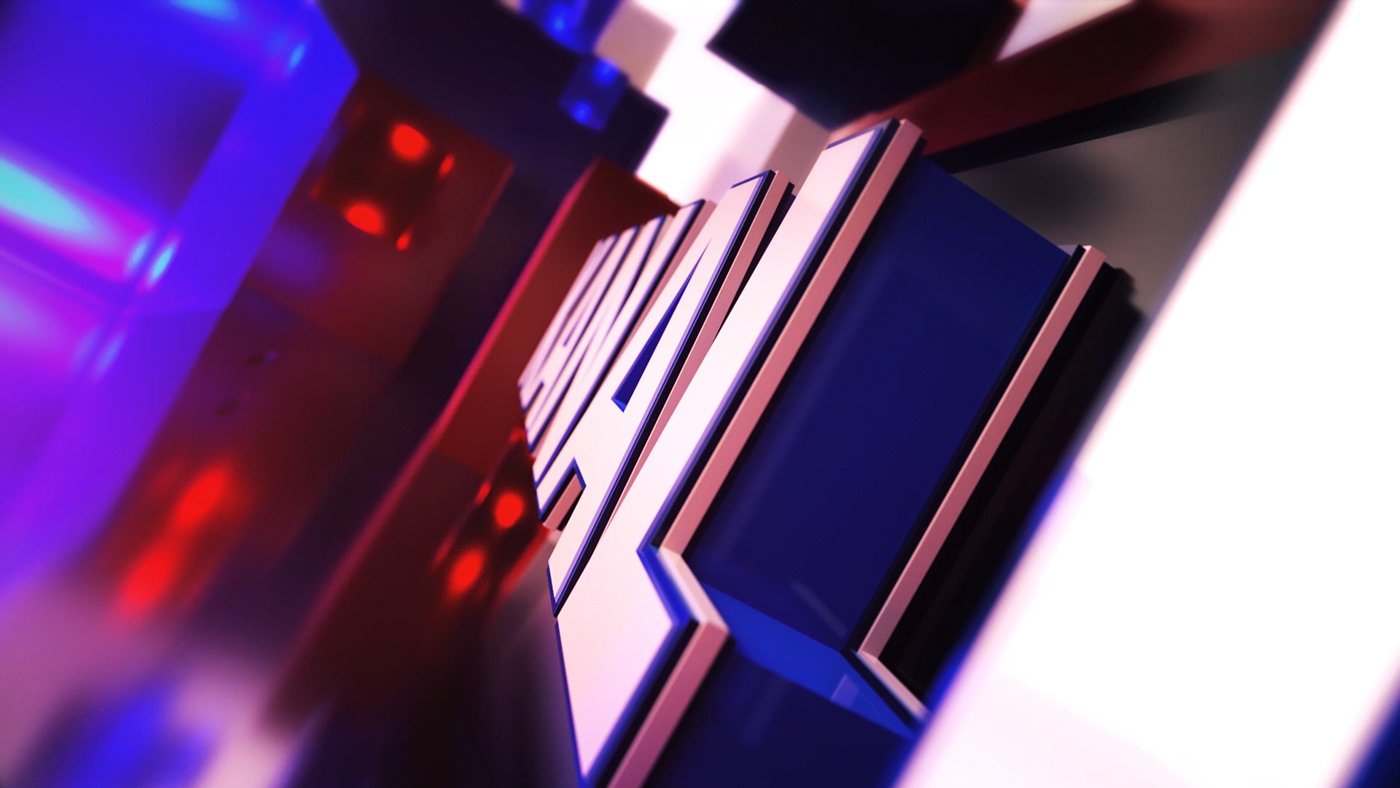
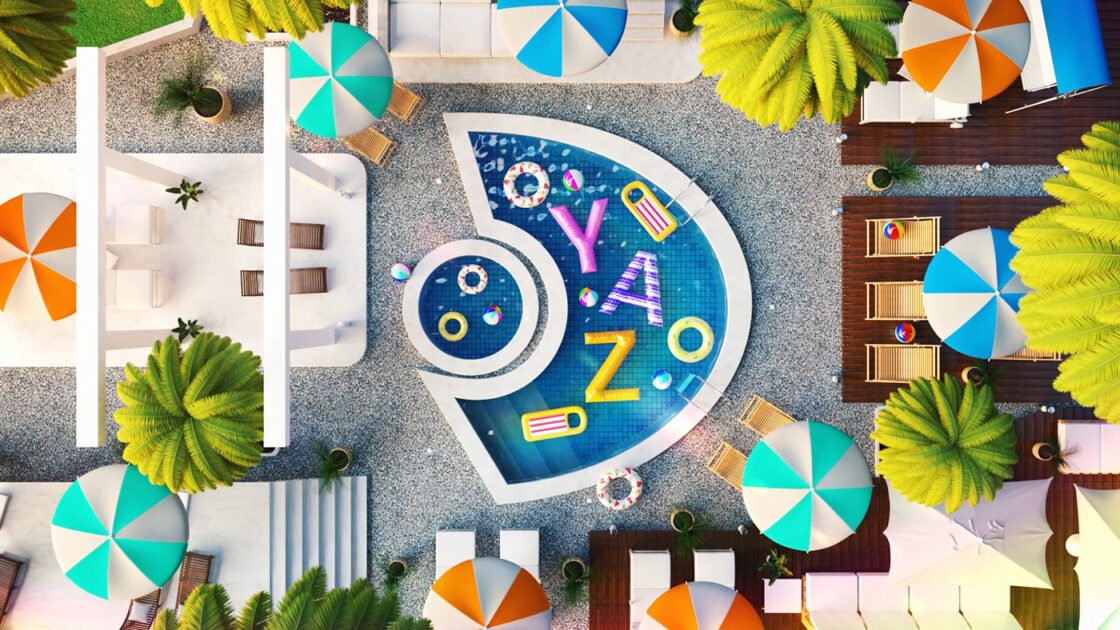
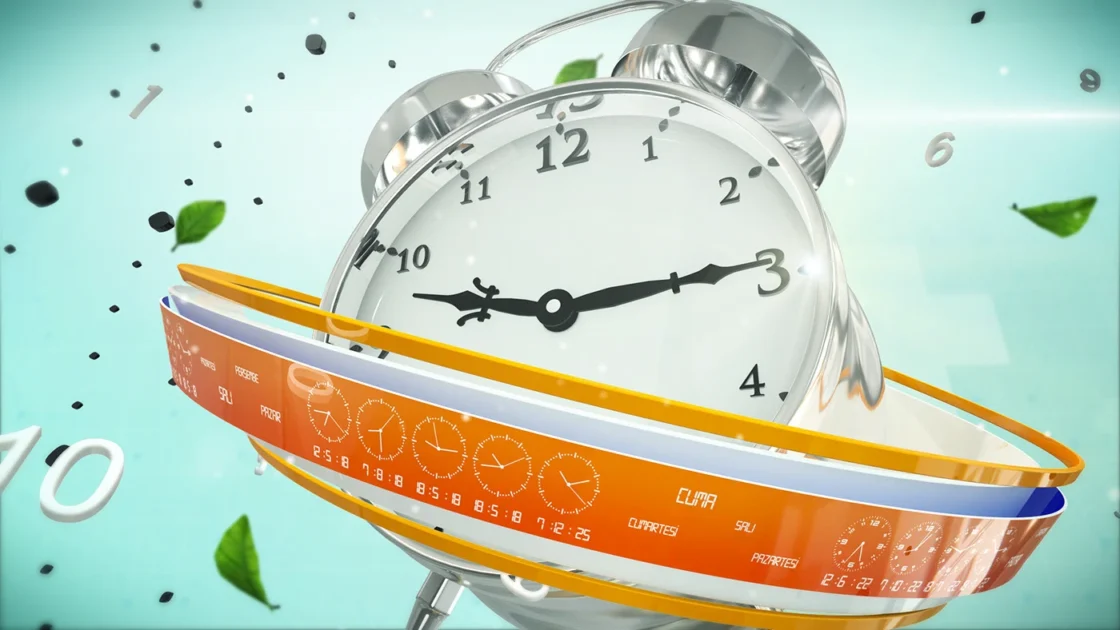
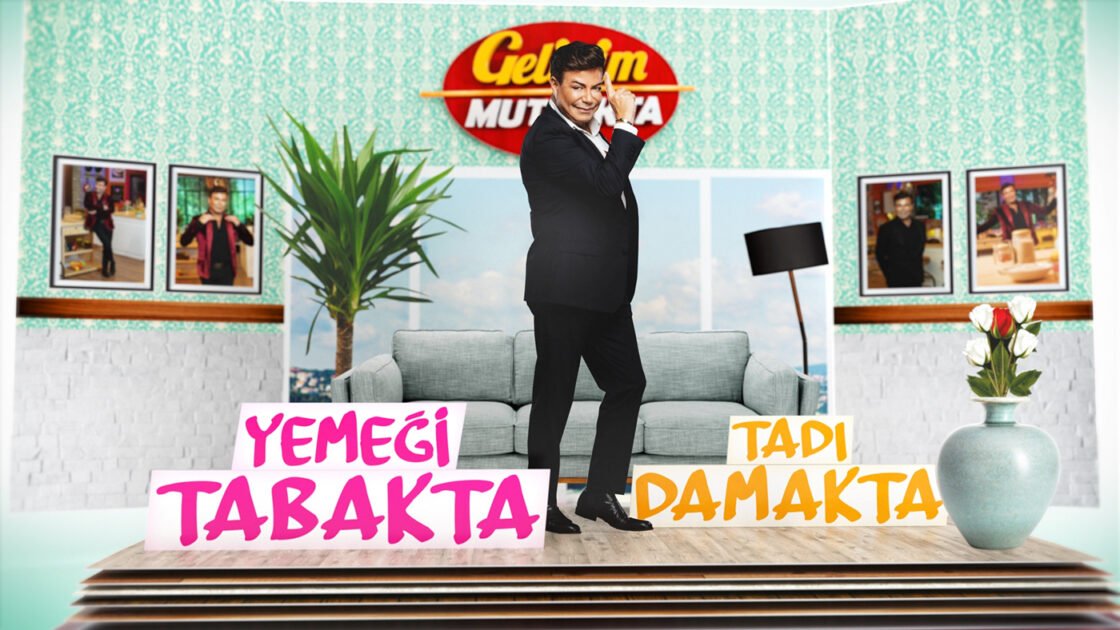
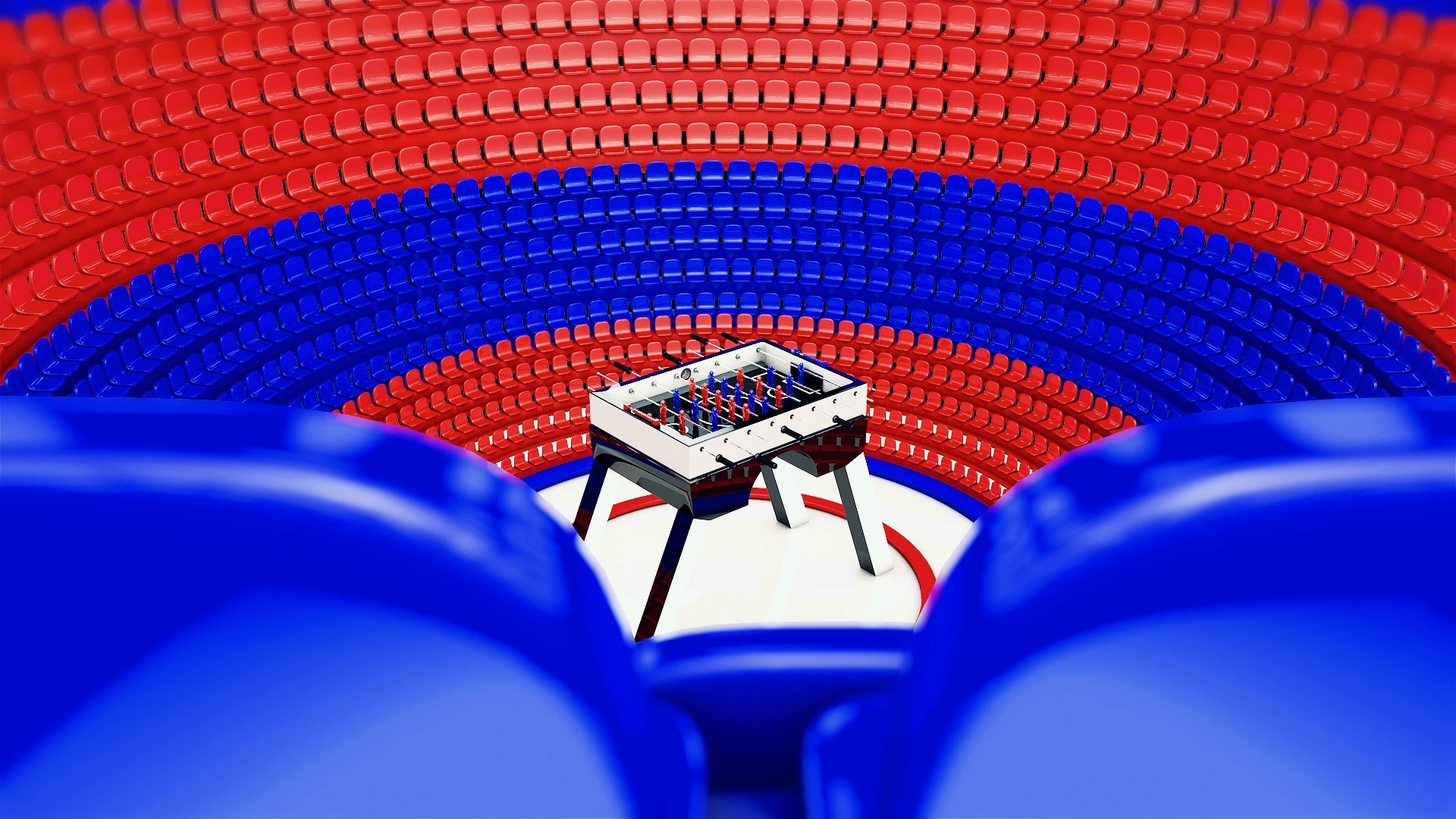
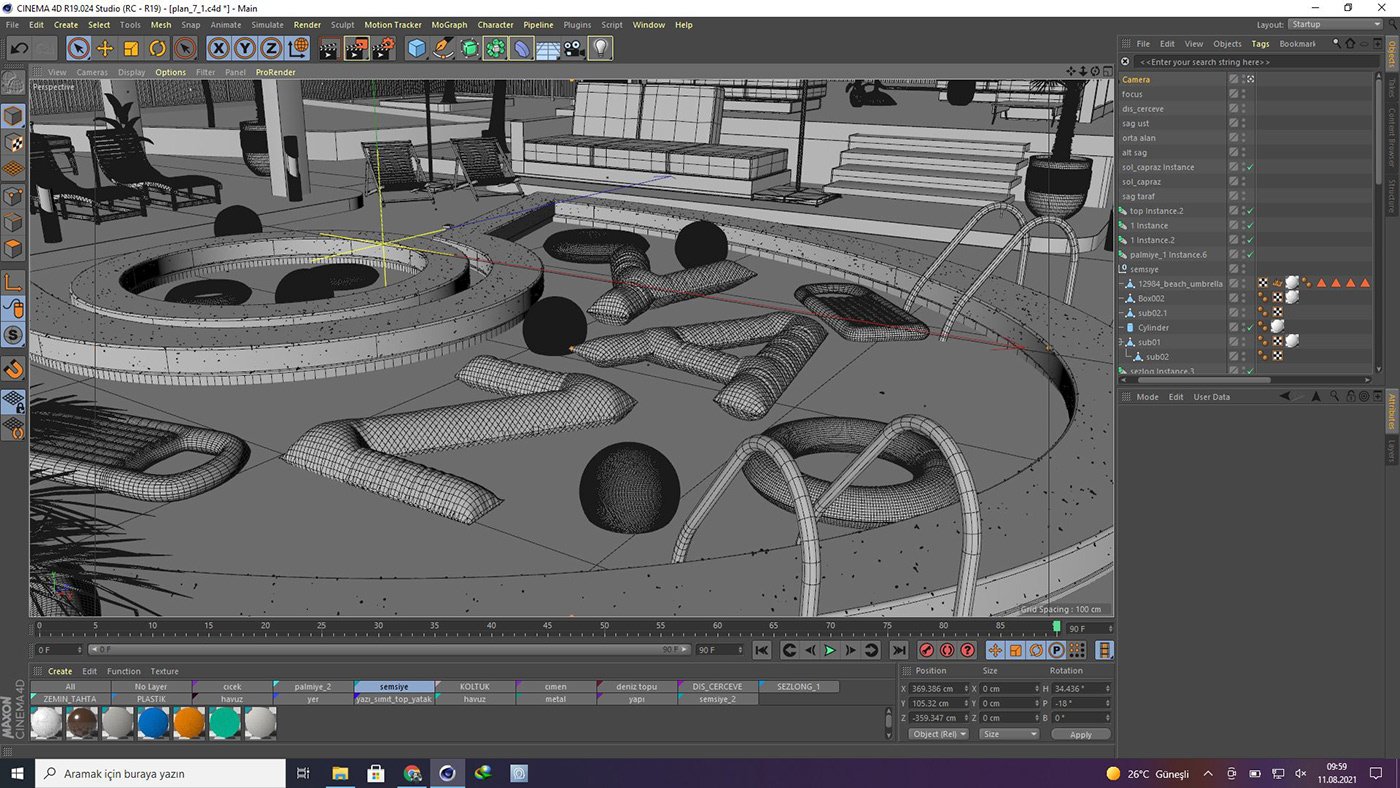
The transition from 2D motion graphics to 3D production is a major leap in a motion designer's career: the scene now has depth, light, and material; rendering is no longer a process, but a design decision. This 15-week program establishes a complete 3D production pipeline, starting from Cinema 4D with MoGraph, progressing to procedural animation with Octane/Redshift, photorealistic rendering with Octane/Redshift, and finishing with compositing in After Effects.
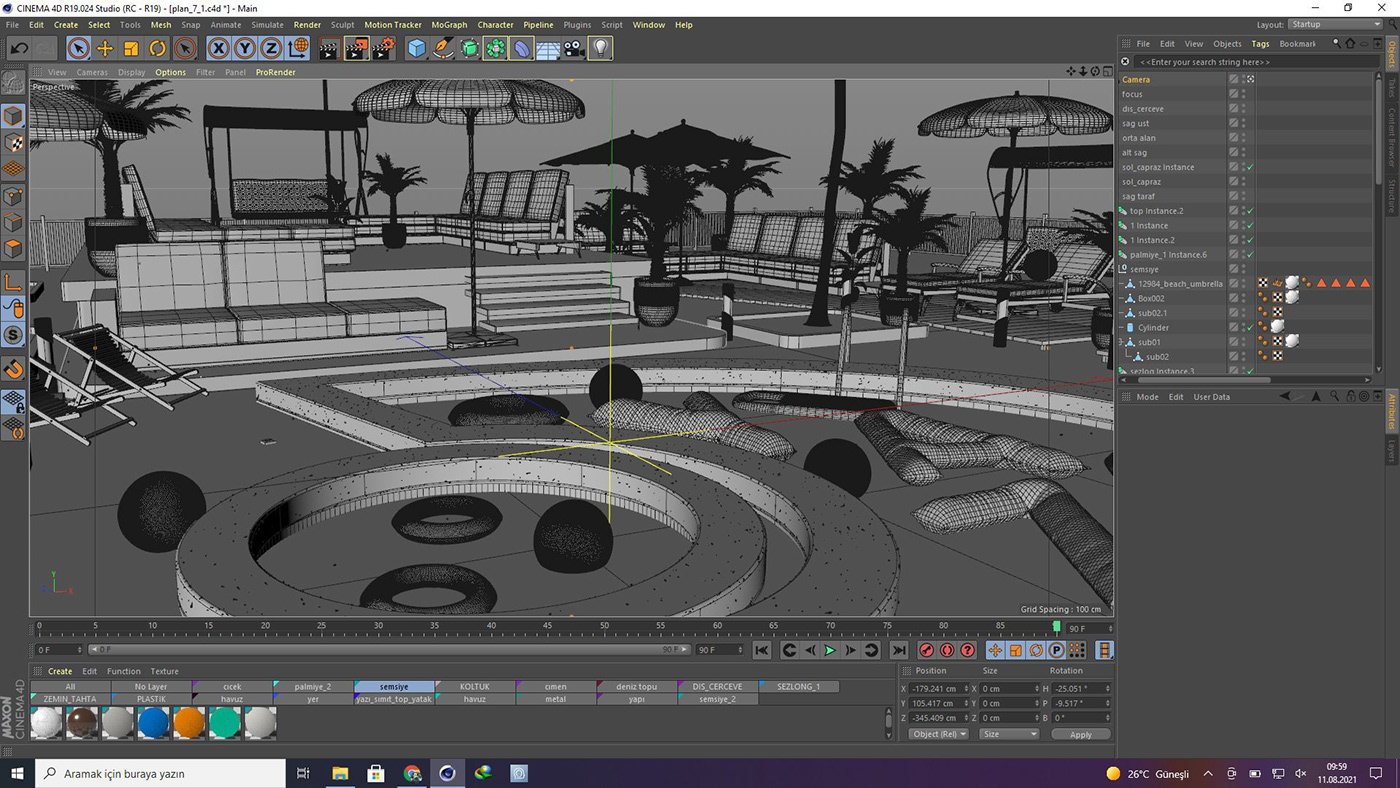
The program progresses in two parts: the first half covers Cinema 4D's modeling, MoGraph, and camera tools; the second half focuses on the material-lighting-rendering triangle of render engines and how 3D renders are composited in After Effects. The final weeks are entirely dedicated to production: a 3D logo/ident scene, loop animations for social media, and a final project. The training is online and lasts 50 hours; After Effects knowledge is a prerequisite, while Cinema 4D is taught from scratch.
Course Information
Duration: 50 hours / 15 weeks (approximately 4 hours of live sessions per week)
Format: Online (live sessions)
Level: Intermediate — Requires After Effects knowledge; Cinema 4D is explained from scratch.
Software: Maxon Cinema 4D, Octane Render / Redshift, Adobe After Effects
Precondition: Basic After Effects knowledge (Motion Graphic Design Training package or equivalent)
Format: Online (live sessions)
Level: Intermediate — Requires After Effects knowledge; Cinema 4D is explained from scratch.
Software: Maxon Cinema 4D, Octane Render / Redshift, Adobe After Effects
Precondition: Basic After Effects knowledge (Motion Graphic Design Training package or equivalent)
Who should attend?
- Motion designers who know After Effects and want to switch to 3D.
- Those who want to gain 3D production skills in the television and advertising industry.
- Designers and content creators who want to produce 3D content for social media.
- Graphic designers who want to add 3D work to their portfolio.
- 3D enthusiasts who want to learn how to work with render engines (Octane/Redshift)

What will you gain by the end of the course?
- Mastering modeling, MoGraph, and camera tools in Cinema 4D.
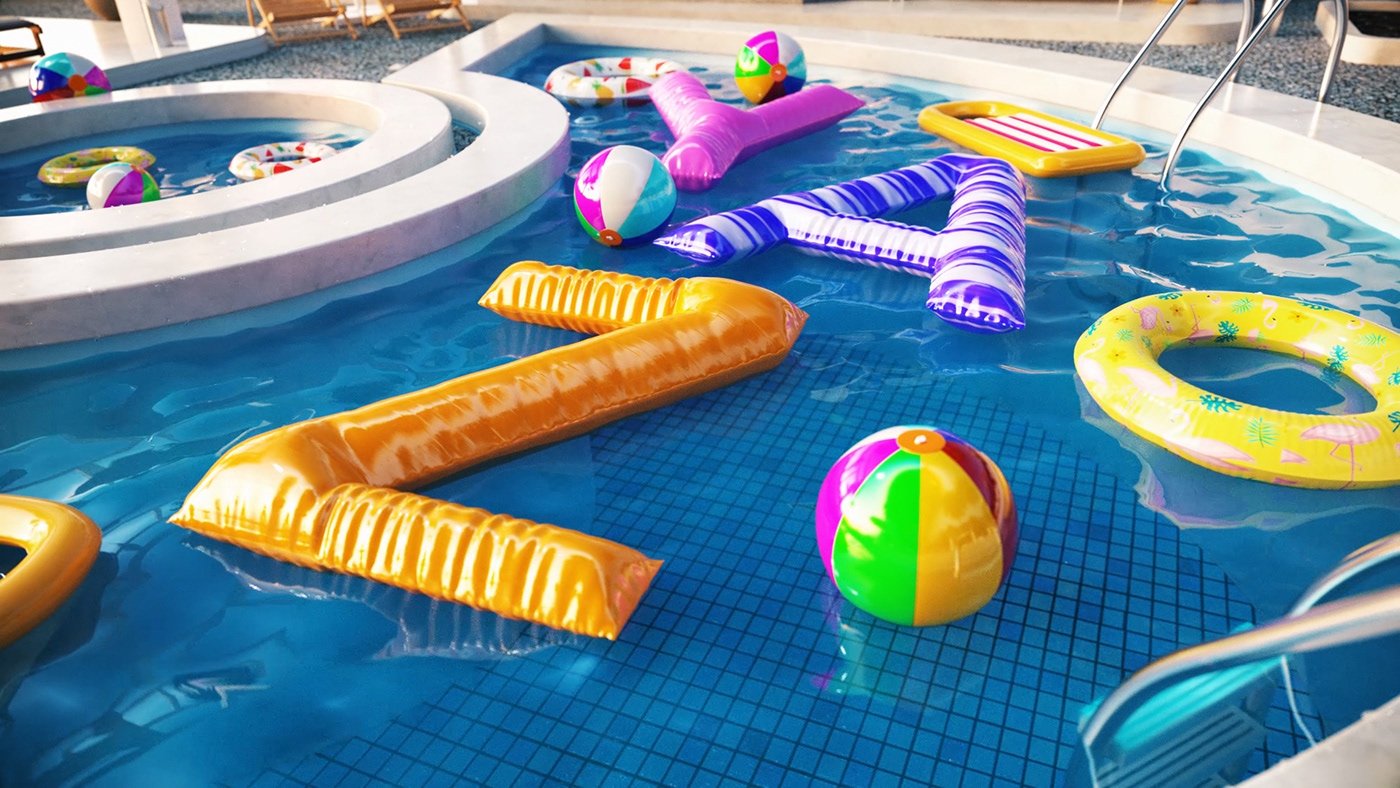
- Material development, lighting, and rendering skills with Octane/Redshift.
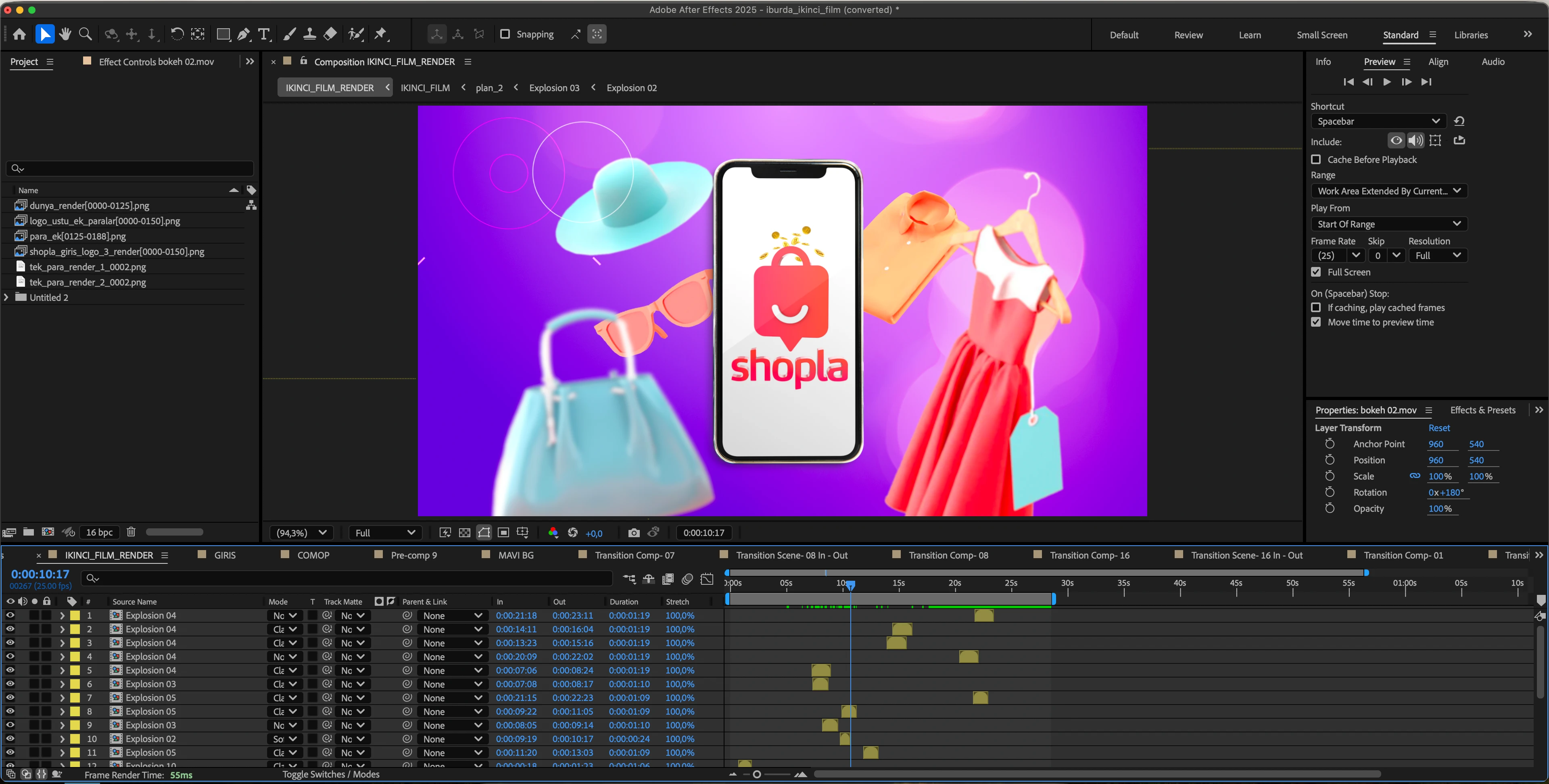
- Compositing multi-pass render outputs in After Effects
- 3D logo/ident scene and social media loop animation production experience.
- A starting point for a 3D portfolio consisting of a graduation project and coursework.
15-Week Program
Week 1 — Introduction to the 3D World and Cinema 4D Fundamentals
Week 2 — Modeling for Motion Design I
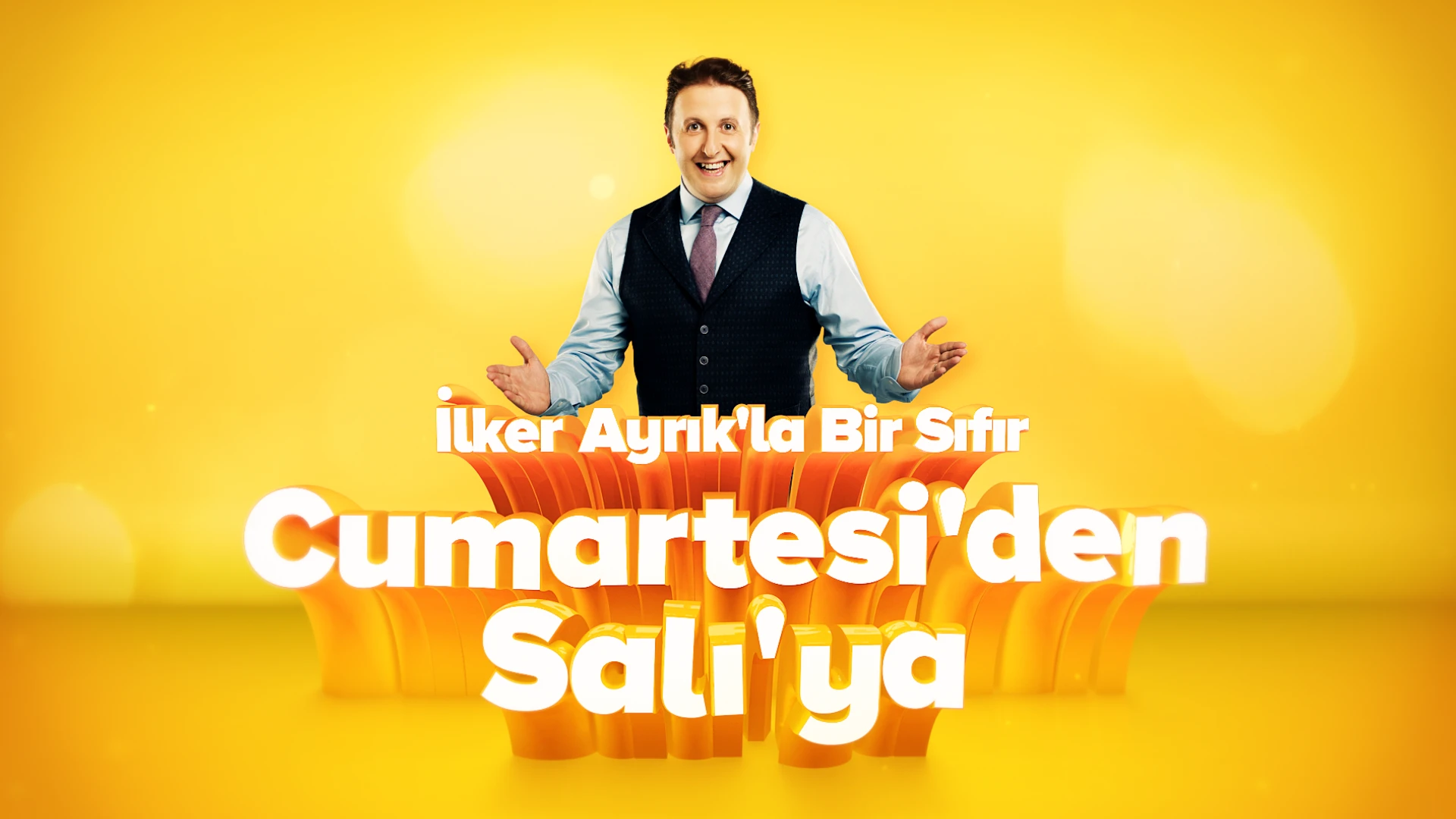
Week 3 — Modeling II: Three-Dimensional Design of Logos and Typography
Week 4 — MoGraph I: Procedural Animation
Week 5 — MoGraph II: Dynamics and Simulation
Week 6 — Camera and Staging
Week 7 — Introduction to Rendering Engines: Octane/Redshift
Week 8 — Material I: PBR and Node Fundamentals
Week 9 — Material II: Surface Types and Libraries
Week 10 — Lighting
Week 11 — Render Management: AOV/Multi-Pass and Optimization
Week 12 — Compositing and Finishing in After Effects
Week 13 — Application: 3D Logo/Ident Scene
Week 14 — Application: 3D and 3D Typography for Social Media
Week 15 — Final Project and Presentation
- 3D production pipeline: The relationship between Cinema 4D – render engine – After Effects.
- Interface, object hierarchy, and scene organization.
- Spline, primitive, and generator logic.
Week 2 — Modeling for Motion Design I
- Spline-based modeling techniques
- Fundamentals of hard-surface modeling
- Subdivision surface logic and topology
Week 3 — Modeling II: Three-Dimensional Design of Logos and Typography
- Generating 3D logos from Illustrator files
- Typography with extrude, sweep and loft
- Control over the form with deformers.
Week 4 — MoGraph I: Procedural Animation
- Cloner, Matrix, and Fracture objects
- Effectors and the field system.
- Sound effector (motion driving)
Week 5 — MoGraph II: Dynamics and Simulation
- Rigid body and soft body dynamics
- Fracture effects with Voronoi fracture
- Simulation cache management
Week 6 — Camera and Staging
- Lens selection, depth of field, and camera movement.
- Camera rigs and multi-angle management.
- Scene composition and framing
Week 7 — Introduction to Rendering Engines: Octane/Redshift
- Rendering engine logic: path tracing and sampling.
- Fast iteration with live viewer/IPR
- Octane and Redshift workflow differences.
Week 8 — Material I: PBR and Node Fundamentals
- PBR logic: albedo, roughness, metalness
- Setting up material networks in the Node editor
- Texture usage and projection
Week 9 — Material II: Surface Types and Libraries
- Glass, metal, plastic, and emissive surfaces.
- Layered and procedural materials
- Creating a personal library
Week 10 — Lighting
- HDRI-based lighting
- Studio and three-point lighting installations
- Product lighting and reflection control.
Week 11 — Render Management: AOV/Multi-Pass and Optimization
- Sampling, denoise, and render time optimization.
- AOV/multi-pass output planning (beauty, depth, cryptomatte)
- Version management and render queue
Week 12 — Compositing and Finishing in After Effects
- Combining passes in After Effects
- Depth, glow, and atmosphere effects.
- Color grading and delivery formats
Week 13 — Application: 3D Logo/Ident Scene
- Concept and styleframe development
- Modeling-animation-rendering production flow
- Compositing and publication-ready delivery.
Week 14 — Application: 3D and 3D Typography for Social Media
- Seamless loop techniques
- Square and vertical format adaptations
- 3D typography and kinetic compositions
Week 15 — Final Project and Presentation
- Final project production and one-on-one mentoring.
- Rendering and compositing completed.
- Presentation, evaluation, and portfolio layout.